Your Steam account is a digital vault. For CS2 players with valuable skins, that vault can hold thousands of dollars in easily liquidatable assets. You wouldn't leave the front door of a real bank unlocked, so you shouldn't leave your Steam account vulnerable.
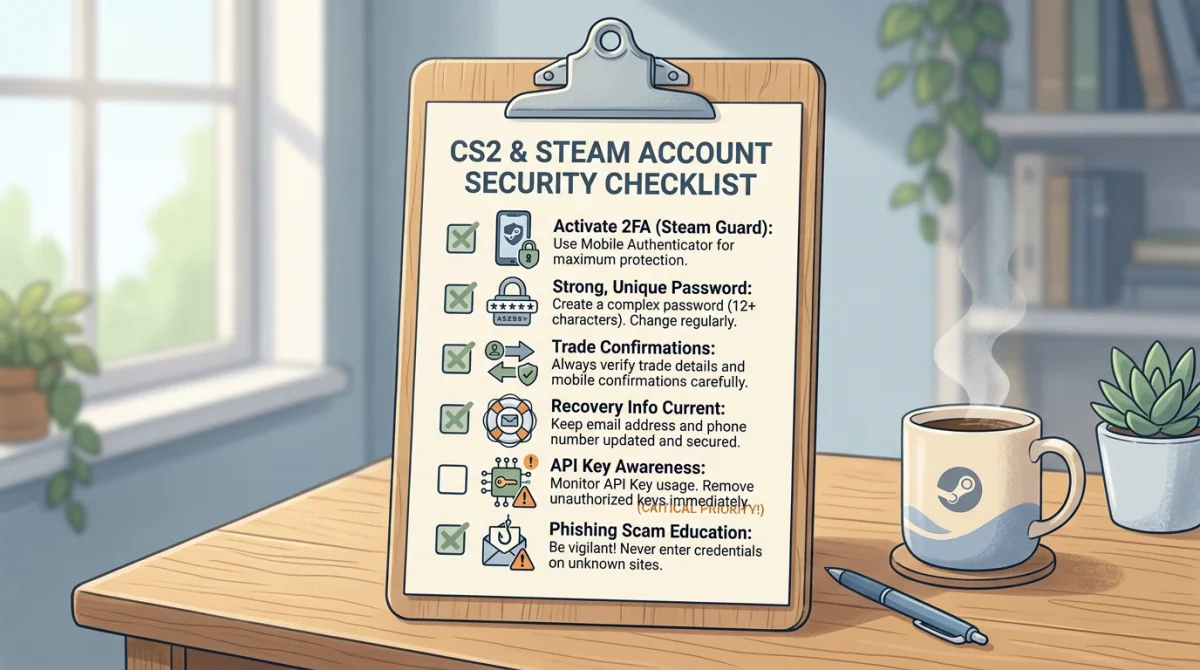
This comprehensive security checklist provides a step-by-step guide to hardening your Steam account against the most advanced hacking and scamming techniques of 2026.
Level 1: Core Foundation (Non-Negotiable)
If you do not have these three things configured, your account is actively at risk.
- Enable Steam Guard Mobile Authenticator: Email 2FA is no longer sufficient. You must use the physical app on your smartphone. This ensures that even if someone gets your password, they cannot log in or trade items without your physical device.
- Use a Unique, Cryptographically Strong Password: Your Steam password should not be used on any other website, ever. Use a password manager (like Bitwarden, 1Password, or Apple Keychain) to generate and store a 20+ character random password.
- Secure the Associated Email Account: Your Steam account is only as secure as the email attached to it. Ensure your email provider (Gmail, Outlook) has Two-Factor Authentication (2FA) enabled, preferably via an authenticator app, not SMS.
Level 2: API and Device Hygiene
These steps prevent "invisible" background exploits like the infamous API Scam.
- Check and Revoke API Keys: Go to
https://steamcommunity.com/dev/apikey. If there is a key registered that you didn't create yourself (especially if the domain is a random string of text), click "Revoke My Steam Web API Key" immediately. Check this page once a month. - Deauthorize All Other Devices: Periodically force a logout on all devices. Go to Steam Settings > Security > "Deauthorize all other devices". This is crucial if you ever log in on a public computer, a LAN center, or a friend's PC.
- Never Scan Untrusted QR Codes: The Steam Mobile App QR scanner should only be used to log into the official Steam client on your own PC. Never scan a QR code shown on a Twitch stream, YouTube video, or a third-party website claiming to offer "free drops" or "quick login."
Level 3: Privacy and Social Settings
Scammers use your public information to target you and clone your friends' accounts.
- Set Inventory to Private or Friends Only: If you have high-tier items (Dragon Lores, Butterfly Knives), making your inventory public puts a massive target on your back. Scrape bots will find you and spam you. Go to Edit Profile > Privacy Settings > Inventory: Friends Only.
- Set Friends List to Private: This prevents scammers from seeing who your friends are, which stops them from creating "clone accounts" to impersonate your buddies.
- Disable Random DMs on Discord: If you use Discord for CS2 trading, go to User Settings > Privacy & Safety and toggle OFF "Allow direct messages from server members." This filters out 99% of scam attempts.
Level 4: Trading Best Practices
How you behave during a trade is your final line of defense.
- The Mobile Confirmation Check: When the Steam app asks you to confirm a trade, do not just click "Accept." Read the text.
- Who are you trading with? (Check Steam Level and Join Date).
- What exactly are you losing?
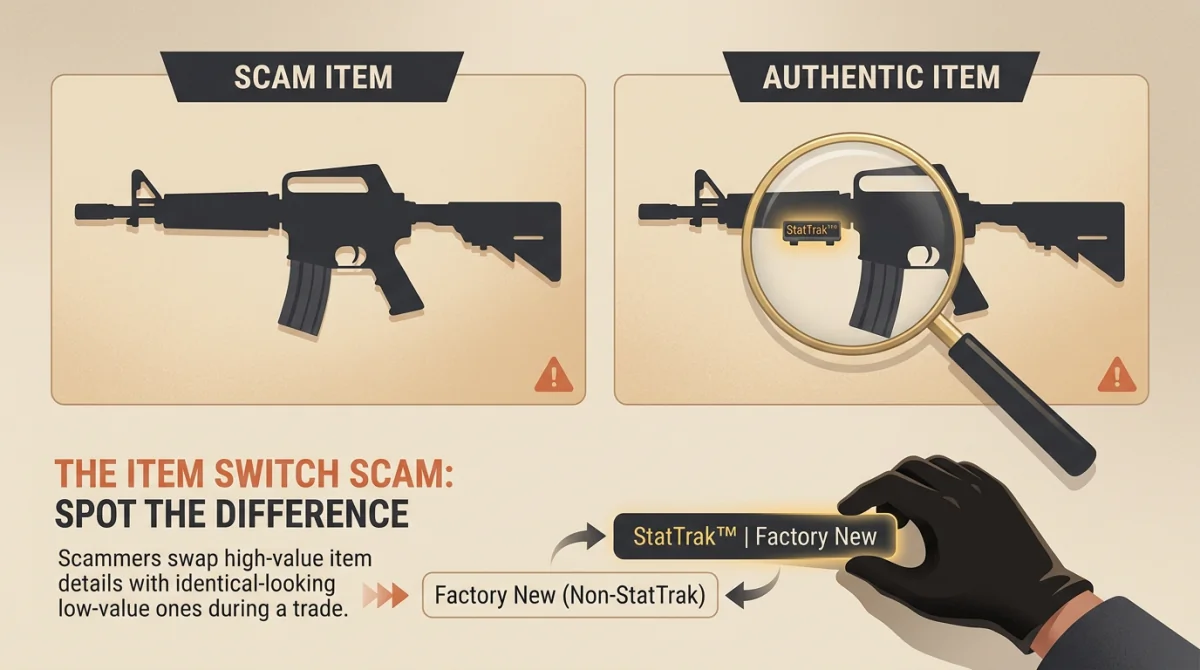
- What exactly are you gaining? (Verify wear condition and StatTrak).
- The "Drag Test" for Logins: If a third-party site asks you to "Sign in through Steam," click and drag the popup window. If you cannot drag it outside the main browser window, it is a fake, phishing popup. Do not enter your details.
- Never Move Off-Platform: If someone insists on using Skype, an obscure TeamSpeak server, or a weird "verification website" to complete a trade, cancel the trade immediately.
- Do Not Trust Screenshots: Screenshots of PayPal transfers, Bank balances, or Crypto wallets can be faked in seconds. Only trust the actual balance shown when you independently log into your financial institution.
Routine Maintenance
Security is not a one-time setup; it's an ongoing habit.
- Monthly: Check your API Key page.
- Quarterly: Deauthorize all other devices and change your Steam password.
- Always: Maintain a healthy dose of skepticism. If a deal looks too good to be true, it is a scam.
By following this checklist, you transform your Steam account from a soft target into a hardened fortress. Play safe, trade safe.