The Ultimate CS2 Trader's Scam Survival Guide
The Digital Pickpocket: Phishing Sites & Fake Logins
How it works: These are perfect clones. Once you type your username and password, they're sent directly to the scammer. They often immediately trigger a login attempt, and if you don't have Steam Guard Mobile Authenticator, they're in. Even if you do, they now have your login, which is the first step to more complex attacks.
Red Flags:
- The URL is wrong. It might be
steamcommunty.com(note the missing 'n'),steampowered.com.ru, orsteam-login.com. Always, always check the address bar. - You were linked from an unofficial source. No legitimate service needs you to log into Steam via a link they provide.
- It asks for your Steam Guard code on the webpage. The real Steam login never asks for your mobile authenticator code on a website. That only happens in the app.
Prevention:
- Bookmark the real Steam sites. Log in only through your bookmarks or the official Steam client.
- Use a password manager. It won't auto-fill on a fake site because the URL won't match.
- Enable Two-Factor Authentication (2FA) everywhere. This is non-negotiable.
The Bait and Switch: Trade Offer Manipulation
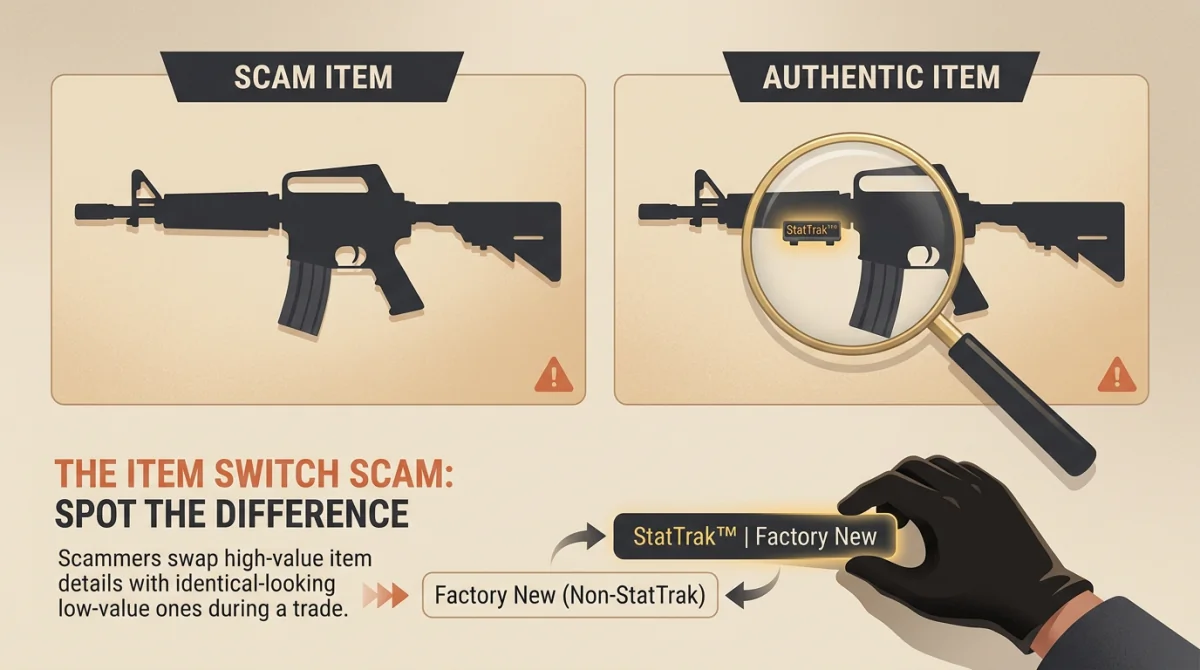
How it works: Scammers exploit human psychology and UI quirks. They'll send a correct offer, then cancel it and send a nearly identical one with a high-tier item swapped for a low-tier one of similar icon color or shape. They pressure you: "Hurry, I have other offers!" In the rush, you don't double-check every single line item.
Red Flags:
- Pressure to trade fast. Any legitimate trader will give you time to inspect.
- Multiple similar offers from the same person. If they cancel and re-send, it's a massive warning.
- The trade window "jumps" or refreshes. Sometimes they'll spam chat or trade actions to distract you.
Prevention:
- Check. Every. Single. Item. Line by line. Compare the name, wear, and float value in the trade window to what you agreed on.
- Ignore all pressure. If they threaten to leave, let them. A good deal will still be there in 5 minutes.
- Use the "Compare with my item" feature in the trade window. This directly juxtaposes the item they're offering with the one in your inventory.
The "Trusted" Stranger: Fake Middleman & Cash Trade Scams
How it works (Fake MM): Scammers operate in teams. "Trader A" agrees to a deal with you. They suggest a middleman. "Trader B" impersonates a well-known, trusted middleman, often with a nearly identical Steam profile/Discord name. You give your skin to the fake MM, and both "traders" vanish.
How it works (Chargebacks): The buyer uses a stolen PayPal account or credit card. You receive the funds. Once the legitimate owner discovers the fraud, they dispute the charge. PayPal almost always sides with the cardholder, reversing the payment and leaving you with a negative balance and no skin.
Red Flags:
- The middleman contacts you first. Real, busy middlemen don't solicit business.
- You're asked to trade the item to a profile that isn't verifiably the middleman's main. Check their entire social footprint—Twitch, Twitter, known forum posts.
- Buyer uses "Friends & Family" but wants buyer protection. That's contradictory. F&F is for gifts, not goods.
- Buyer has a very new account, or odd payment methods.
Prevention:
- For middlemen, YOU initiate contact. Go to the official Discord server or Twitch stream of the middleman and contact them there. Do not trust links sent to you.
- Use a reputable escrow service designed for digital goods, though they come with fees.
- For cash, understand the risks. Use platforms with seller protection (some marketplaces) or only trade with individuals with years of verifiable cash rep. Assume PayPal Goods & Services can be charged back.
- Cryptocurrency is final. Once sent, it cannot be reversed. This shifts risk but eliminates chargebacks.
The Silent Hijack: Steam API Key & Trade Redirect Scams
This is the most sophisticated and dangerous scam. You log into a phishing site (see above), but you have 2FA. The scammer gets your login, but not your mobile auth. They don't need it. They steal your Steam API key.
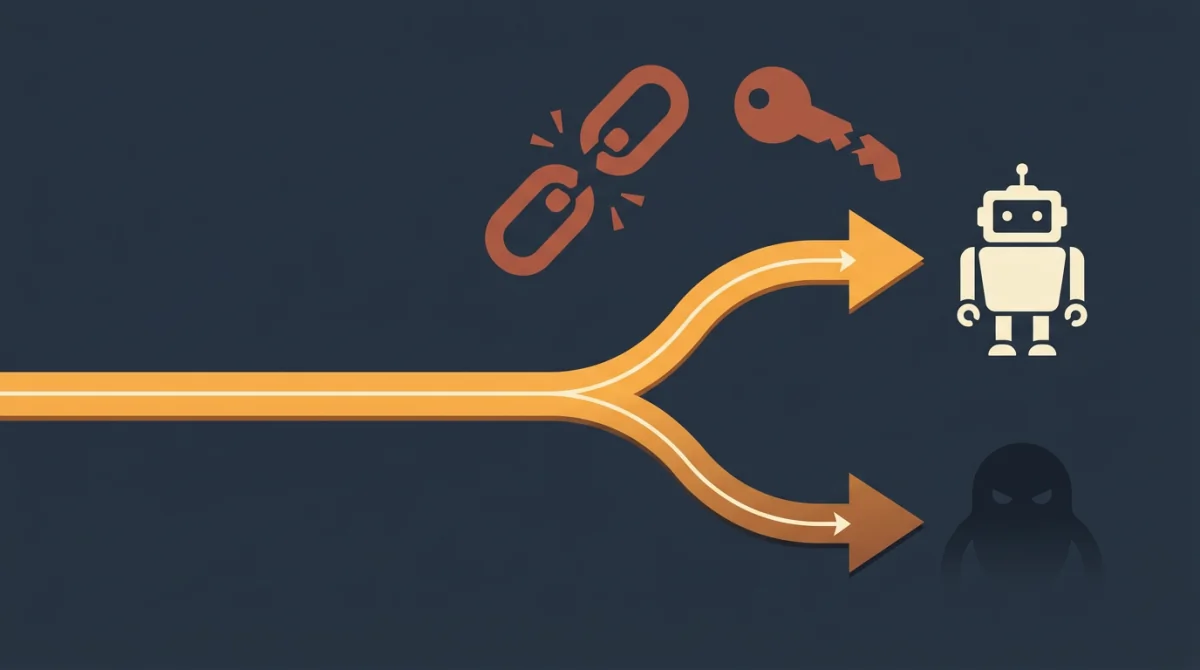
How it works: When you log into a third-party site legitimately (like a trading site), you grant it an API key to see your inventory and make trade offers. A phishing site steals this key. The scammer then uses it to intercept any trade offer you try to send. You try to trade with a friend, but the offer is silently redirected to the scammer's account. You get a "new" offer that looks identical, but from the scammer. You accept, thinking it's your friend, and your items are gone.
Red Flags:
- Trade offers come from unexpected people, even when you just tried to send one to a friend.
- You feel like you're going crazy—"I just sent that offer, why is it different?"
- You logged into a sketchy site in the past.
Prevention & Cure (CRITICAL):
- Revoke your Steam API key regularly. This is the single most important step.
- Go to: Steam > Settings > Account > Manage Steam Guard Account Security > Deauthorize all other devices.
- This instantly invalidates all stolen API keys.
- Never log into any site unless you are 1000% sure of its legitimacy.
The Imposter Among Us: Discord & Telegram Impersonation
How it works: Scammers copy public profiles meticulously. They target people on the real person's friends list. Because the request seems to come from a trusted source, guards are lowered. The eventual ask is always for an item or account access.
Red Flags:
- The account is very new, despite the persona being old.
- They message you out of the blue with a request that seems odd for that person.
- They refuse to join a voice call to verify identity.
Prevention:
- Always verify through a second channel. Message the real person on their known main account or their public social media. Ask, "Did you just add me on an alt?"
- Check the profile's history. An impersonator won't have years of game ownership, screenshots, or friends.
- Be suspicious of any unsolicited contact, no matter who it appears to be from.
The False Prize: Fake Tournament & Giveaway Scams
How it works: It's pure social engineering—exploiting excitement and greed. The sites are fake, the prizes don't exist. The goal is either your login credentials or a direct cash payment that you'll never see again.
Red Flags:
- You never entered a giveaway. You can't win something you didn't enter.
- The site asks for any fee, deposit, or "verification" payment. Legitimate giveaways do not do this.
- The URL is strange and the site design is poor.
Prevention:
- If it seems too good to be true, it is. Nobody is giving away a Karambit | Case Hardened blue gem to random people.
- Only participate in giveaways from established, trusted community figures or organizations on their official channels.
- Never pay to receive a prize.
The Quick Response Trap: QR Code Phishing
A newish but growing threat. Someone sends you a QR code, claiming it's a link to a trade offer, a profile, or a cool skin inspect. "Scan it with your Steam Mobile app to see!"
How it works: The QR code contains a link to a phishing site designed for mobile. When you scan it with your phone—where you're likely already logged into the Steam app—it can trigger an automatic login, stealing your session cookie or credentials. It bypasses the need for you to manually type a URL.
Red Flags:
- Anyone sending you an unsolicited QR code. There is almost zero legitimate reason for this in trading.
- Pressure to scan it quickly.
Prevention:
- Never, ever scan a QR code from an untrusted source. Period.
- If you need to visit a profile or trade offer, manually type the URL or use a bookmark.
The Non-Negotiable Security Checklist
This is your pre-flight routine. Do this monthly, or after any suspicious activity.
- Steam Guard Mobile Authenticator: ENABLED. It's a 7-day trade hold versus losing your entire inventory. No debate.
- Trade Confirmations: ENABLED. Every trade must be confirmed on your mobile device. This stops most unauthorized trades even if someone has your login.
- API Key Audit & Revocation: MONTHLY HABIT. Go to Steam > Settings > Account > Manage Steam Guard > Deauthorize All Other Devices. Do it right now after reading this. It severs all stolen API keys.
- Inventory Privacy: Set to Private or Friends Only. There's no need for the whole world to see what AK-47 | Bloodsport you're holding. It just makes you a target.
- Unique Password: Use a strong, unique password for your Steam account. Not the one you use for your email or anything else.
- Email Security: Your associated email account needs 2FA as well. If they get your email, they can often start the Steam account recovery process.
From what I've seen, 95% of scams are defeated by just three things: slowing down, verifying everything, and revoking your API key. The market moves fast, but your security process shouldn't. Treat every unsolicited message as guilty until proven innocent, and you'll keep your skins safe. Now go check your API settings. Seriously, do it now.