PARIVISION's HObbit from Kazakhstan runs one of the fastest CS2 configuration as a professional IGL: 800 DPI + 1.25 sensitivity (1000 eDPI), 1280x960 4:3 stretched, and a compact Classic Static Yellow crosshair. The setup is built around HObbit's IGL role—balanced for mid-round calls, utility usage, and consistent fragging.
Want to see what skins HObbit pairs with that playstyle? Check the live inventory on HObbit's player profile—updated with current knife, glove, and rifle picks.
Who is HObbit and Why Are Their Settings Famous?
HObbit from Kazakhstan competes for PARIVISION as a IGL, known for tactical leadership and consistently smart plays. HObbit's settings draw massive search interest because players want to replicate HObbit's aim feel and crosshair placement.
Community trackers update HObbit's config regularly—but take.skin keeps settings, gear, skins, and crosshair in one place on the player profile page.
HObbit's Exact Mouse Settings & eDPI Analysis
Multiple 2026 community sources confirm HObbit's core mouse parameters:
| Setting | Value |
|---|---|
| DPI | 800 |
| In-Game Sensitivity | 1.25 |
| eDPI | 1000 |
| Zoom Sensitivity | 0.86 |
| Polling Rate | 1000 Hz |
| Windows Sensitivity | 6 |
| Raw Input | On |
| Mouse Acceleration | Off |
eDPI (Effective DPI) combines DPI and in-game sensitivity into one comparable number: 800 × 1.25 = 1000. At this speed, a full 360° turn takes roughly 42 cm of mouse movement—noticeably faster than the pro average.
For comparison, check settings on take.skin for donk, ZywOo, NiKo. HObbit's 1000 eDPI is tuned for checking multiple angles quickly without constant mouse resets—perfect for fast-paced play.
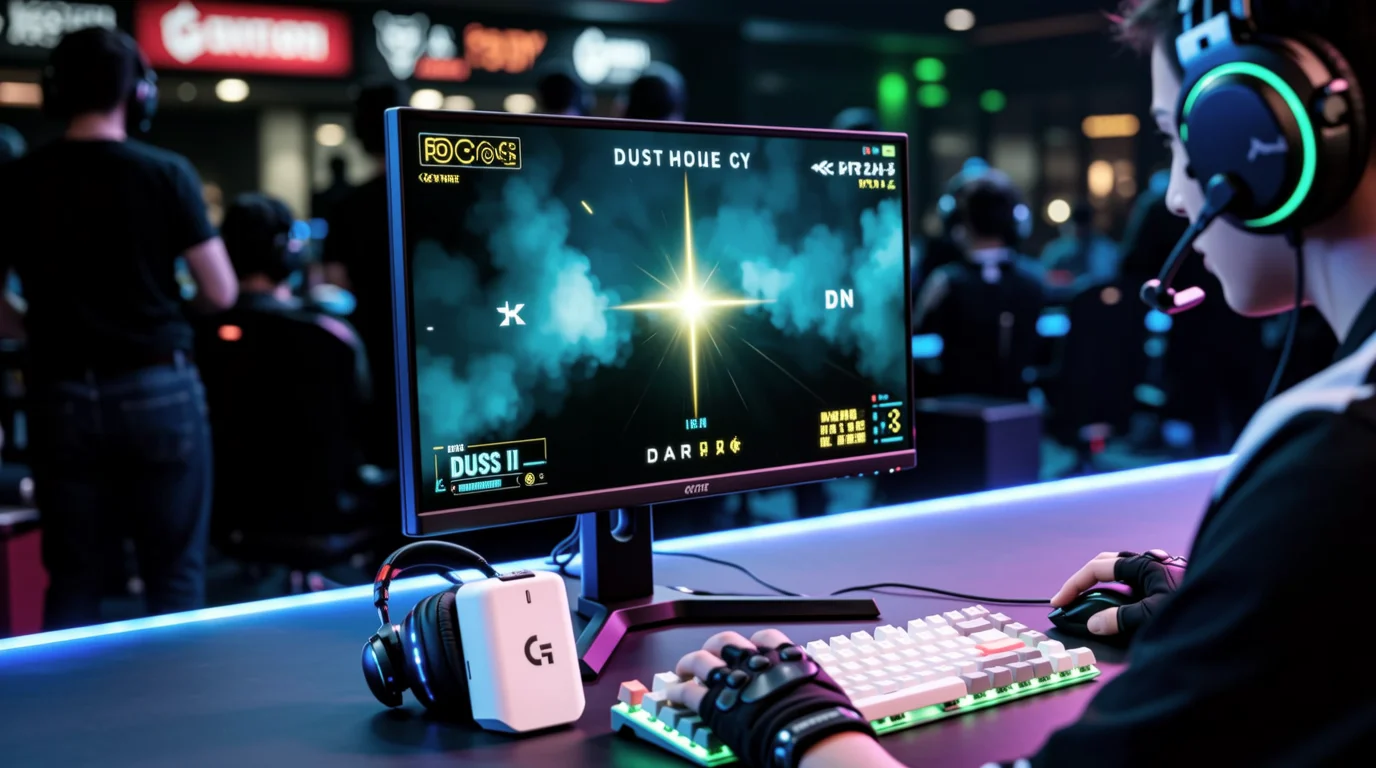
Gear: HObbit uses the Logitech G Pro X Superlight 2 White on a SteelSeries QcK Heavy pad. Full hardware details—including the ZOWIE XL2566K monitor—are listed on the player profile.
Resolution and Video Settings: The 4:3 Stretched Advantage
HObbit plays at 1280x960, 4:3 aspect ratio, stretched scaling, fullscreen. This is one of the most common pro setups: enemy player models appear wider on the horizontal axis, which many players find easier to track and crosshair-place.
Video settings prioritize visibility and frame rate over visual flair:
| Setting | Value |
|---|---|
| Resolution | 1280x960 |
| Aspect Ratio | 4:3 (Stretched) |
| Display Mode | Fullscreen |
| Boost Player Contrast | Enabled |
| Global Shadow Quality | High |
| Model / Texture Detail | Low |
| Shader Detail | Low |
| Particle Detail | Low |
| Multisampling Anti-Aliasing | 4x MSAA |
| Texture Filtering | Bilinear |
| Ambient Occlusion | Disabled |
| NVIDIA Reflex Low Latency | Enabled |
| FidelityFX Super Resolution | Disabled |
The pattern is familiar across top players: high shadows for depth perception, low effects for FPS, and MSAA to keep jagged edges clean at 4:3. HObbit's ZOWIE XL2566K monitor is built for minimal input latency.
HObbit's Crosshair Code and Viewmodel
HObbit uses a Classic Static Yellow crosshair—small, clean, and completely stable during movement and spray. Import it directly in CS2:
CSGO-fdBDn-SmBER-ZeejC-iw5tu-kHk9Q
Crosshair details (from take.skin's live player data):
| Property | Value |
|---|---|
| Style | Classic Static |
| Color | Yellow (RGB 255 / 255 / 255) |
| Length | 1 |
| Thickness | 1 |
| Gap | -4 |
| Outline | No |
| Center Dot | No |
| Follow Recoil | No |
The yellow crosshair pairs well with 1000 eDPI: no recoil expansion, no dynamic spread—just a stable center point for muscle-memory micro-adjustments during sprays and flicks.
Viewmodel commands
Paste these into your console to match HObbit's weapon position:
viewmodel_fov 60; viewmodel_offset_x 1; viewmodel_offset_y 1; viewmodel_offset_z -1; viewmodel_presetpos 1
This is a desktop viewmodel: FOV 60, weapon shifted slightly right and pulled back to minimize screen obstruction—ideal for maximum visibility during wide swings and angle clears.
HObbit's Peripherals & Full Gear List
| Peripheral | Model |
|---|---|
| Mouse | Logitech G Pro X Superlight 2 White |
| Mousepad | SteelSeries QcK Heavy |
| Monitor | ZOWIE XL2566K |
| Keyboard | SteelSeries Apex Pro TKL (2023) |
| Headset | HyperX Cloud II |
For live updates on HObbit's gear, visit the player profile.
HObbit's Skin Loadout: What the Pro Flexes
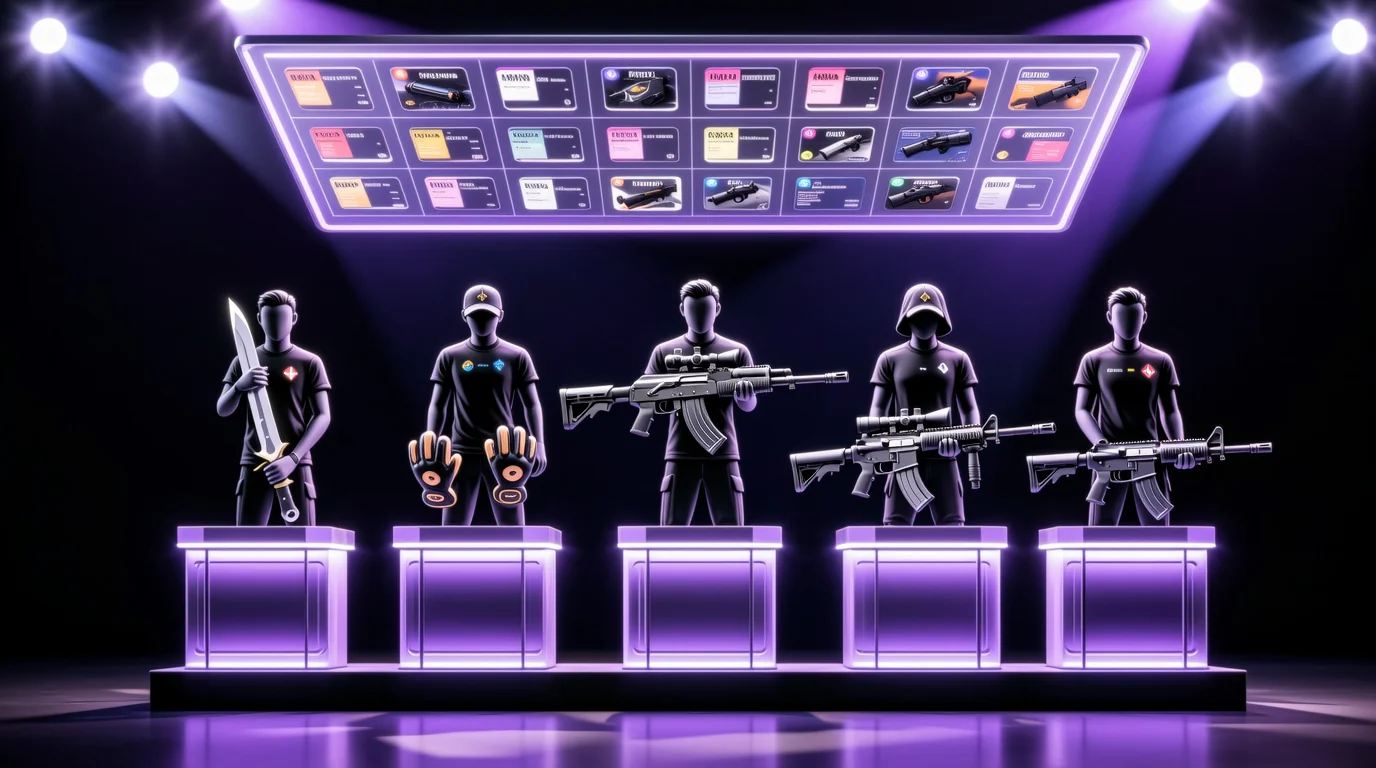
Settings get you the mechanics—but HObbit's inventory is just as talked about. Their current loadout on take.skin features some of the most iconic pieces in CS2:
- Knife: ★ Stiletto Knife | Tiger Tooth (Factory New)
- Gloves: ★ Sport Gloves | Hedge Maze (Field-Tested)
- Rifle (AK): AK-47 | The Empress (Factory New)
- Rifle (M4): M4A1-S | Mecha Industries (Factory New)
- AWP: AWP | Man-o’-war (Minimal Wear)
Should You Copy HObbit's Settings?
Most 2026 community guides agree: learn from HObbit, but do not blindly copy.
1000 eDPI is faster than what most players can control comfortably. If you currently play at 600–800 eDPI, jumping straight to this sensitivity will likely hurt your aim consistency and cause wrist fatigue.
A smarter approach:
- Start lower. Try 800 DPI × 1.0–1.15 sensitivity and adjust gradually until you find your ceiling.
- Test resolution separately. 1280x960 stretched works for pros, but your monitor and GPU may favor a different setup.
- Import the crosshair first. It is the easiest element to try risk-free—paste
CSGO-fdBDn-SmBER-ZeejC-iw5tu-kHk9Qand see if the classic static style fits your eye. - Compare with other pros. Browse settings for donk, ZywOo, NiKo on take.skin to find a sensitivity band that matches your role.
HObbit's config is an excellent reference for how a top IGL optimizes for consistency + control. But the best settings are always the ones you can run consistently, day after day, without sacrificing control.
For live settings, skins, and gear updates, bookmark HObbit's player profile on take.skin.