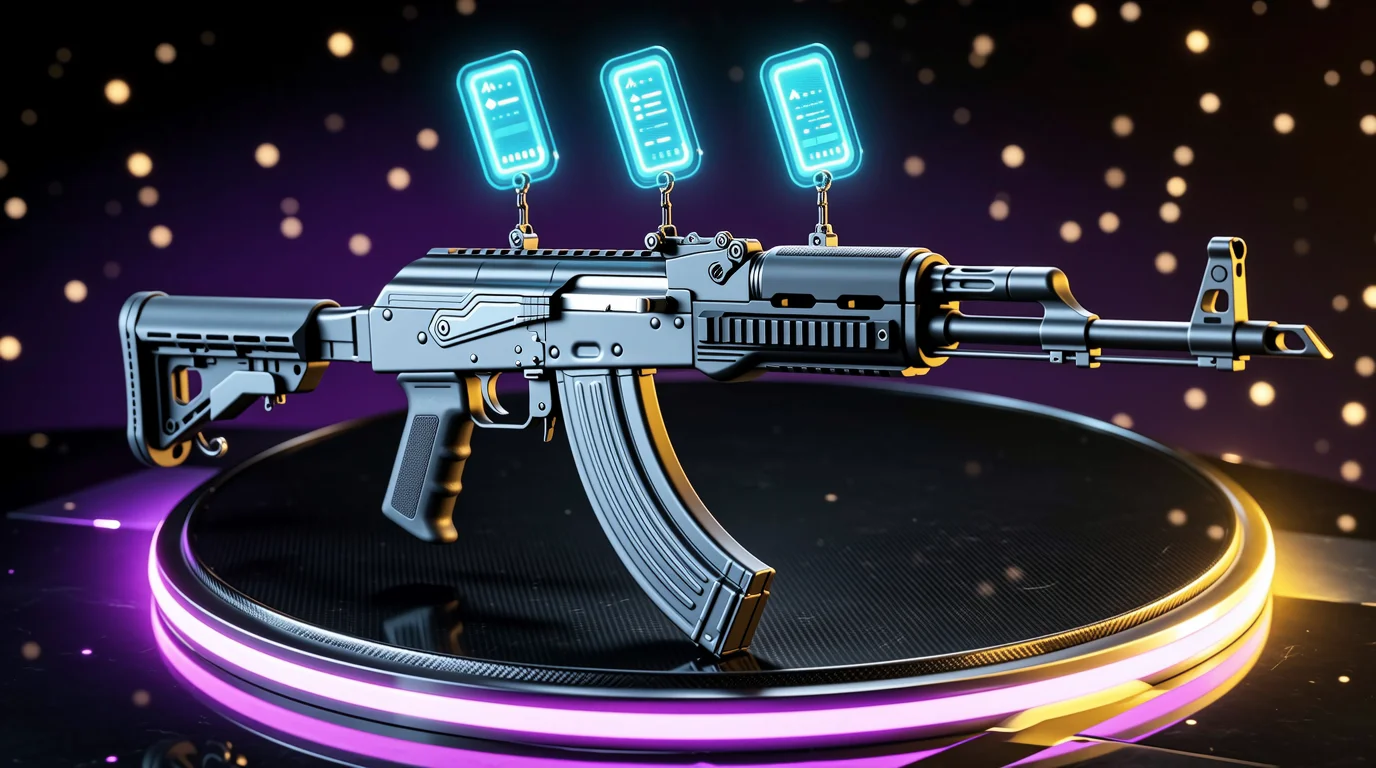
Applying stickers to a CS2 skin is irreversible — the only way to remove them is scraping, which destroys the sticker entirely. A four-sticker Katowice 2014 craft can represent thousands of dollars in applied value, yet the in-game application UI offers limited preview before you commit. Dedicated crafting and 3D preview tools let you test placement, rotation, and resale math before touching a single sticker.
This guide covers how CS2's freeform sticker system works, compares SkinWise, Broskins, and CS2Inspects, and explains the applied-sticker value rules that determine whether your craft is an investment or a sunk cost.
How CS2 Sticker Placement Works
Counter-Strike 2 replaced CS:GO's fixed sticker slots with a freeform placement system:
| Mechanic | Detail |
|---|---|
| Slots per weapon | Up to 5 stickers on most weapons (4 on some models) |
| Position | Drag anywhere on the weapon surface within allowed zones |
| Rotation | Full 360° rotation on all axes |
| Wear on apply | Stickers can arrive with wear; scraping removes them permanently |
| Stacking | Multiple stickers can overlap for layered crafts |
| Souvenir skins | Pre-applied tournament stickers; cannot add or remove |
Once applied, stickers cannot be recovered — only scraped off and destroyed. This makes pre-application preview critical for high-tier crafts involving Katowice 2014, Cologne 2014, Boston 2018, and other premium tournament stickers.
The applied sticker value problem
When you buy a skin with stickers already applied, you are paying a premium above the base skin price. That premium rarely equals 100% of raw sticker cost. Community pricing conventions:
| Sticker tier | Typical applied value (% of sticker cost) |
|---|---|
| Common tournament / team stickers | 5–15% |
| Popular holos / foil combos | 15–30% |
| Clean Katowice 2014 placements | 30–70% |
| Perfect 4× Kato crafts on desirable skins | 50–100%+ (collector premium) |
A $2,000 sticker applied to a $5 skin does not make a $2,005 skin. Realistic resale might be $5 base + $200–$400 applied premium (10–20%) unless the craft is exceptionally clean and sought-after.
Tool Comparison at a Glance
| Tool | URL | 3D preview | Sticker value calc | In-game inspect | Pattern tools | Price data |
|---|---|---|---|---|---|---|
| SkinWise | skinwise.gg | Web-based craft builder | Yes (0–100% retention presets) | Via generated links | Limited | Live cheapest listings |
| Broskins | broskins.com | Weapon builder + inspect server | Partial | Yes — play on server | Fade, CH, marble fade | CSMoney stats |
| CS2Inspects | cs2inspects.com | Full 3D item preview | No dedicated calc | Yes — inspect server | Float, pattern, stickers | Market integration |
SkinWise — Best Applied Sticker Value Calculator
URL: skinwise.gg/tools/sticker-craft
SkinWise's sticker craft calculator is the most practical tool for answering "what is this craft worth before I build it?" Pick a base skin, add up to four stickers, and model resale value at different applied-value retention rates.
Key features
- Base skin + sticker picker with live cheapest-listing prices for exact variants.
- Retention presets — 0% (scrape value), 20% (typical), 50% (desirable), 100% (collector).
- Craft valuation breakdown — base skin cost, sticker spend, estimated craft value, premium lost on apply.
- Clean UI focused on financial modeling rather than 3D visualization.
Example calculation
| Input | Value |
|---|---|
| AK-47 | Redline (FT) | $12.00 |
| 4× Sticker | Titan (Holo) | Katowice 2014 | $18,000 combined |
| Applied value @ 20% | $3,600 sticker premium |
| Estimated craft value | ~$3,612 |
| You pay (skin + stickers) | $18,012 |
| Premium lost on apply | ~$14,400 |
At 20% retention, you lose roughly 80% of sticker value the moment you apply. At 50% on a sought-after craft, the math improves — but finding a buyer at that premium takes time and the right marketplace.
Pros and cons
| Pros | Cons |
|---|---|
| Best applied-value modeling with preset tiers | No in-game 3D preview on inspect server |
| Live cheapest-listing prices per item | Limited to 4 sticker slots in calculator |
| Instant premium-lost calculation | Less visual than Broskins/CS2Inspects |
| Free, no account required | No community craft gallery |
Best for: Pricing crafts before buying stickers, negotiating applied-sticker premiums on marketplace listings, and understanding scrape-vs-apply economics.
Broskins — In-Game Inspect Server + Pattern Tools
URL: broskins.com
Broskins is a veteran CS skin tool site that combines a weapon sticker builder, in-game inspect server ("play with your craft weapon on our server"), and deep pattern-checking tools for fade percentages, Case Hardened blue percentages, marble fade seeds, and glove patterns.
Key features
- Online weapon builder — place stickers on skins in a web editor, then inspect in-game.
- Inspect server integration — connect and view your craft in actual CS2 rendering with proper lighting and wear.
- Pattern checkers — Karambit/Talon fade %, Case Hardened index, marble fade, Crimson Kimono, Specialist Fade.
- Screenshot generator — float, pattern, sticker wear, and price in one inspect capture.
- Katowice 2014 craft gallery for reference builds.
Pros and cons
| Pros | Cons |
|---|---|
| In-game preview on dedicated server — best visual accuracy | UI feels dated compared to newer tools |
| Pattern tools (fade %, blue gem) beyond sticker crafting | Applied sticker value calc less structured than SkinWise |
| Katowice 2014 reference section | Learning curve for navigation |
| Free access to core tools | Price data tied primarily to CSMoney stats |
Best for: Players who need to see a craft in-game before applying stickers, especially on pattern-sensitive skins (Fade, Case Hardened) where placement relative to pattern matters.
CS2Inspects — 3D Preview + Community Crafts
URL: cs2inspects.com
CS2Inspects (distinct from CSInspect.com) provides full 3D item preview with sticker and skin combinations, in-game inspect server integration, and a public craft gallery with community voting.
Key features
- Custom item creator — combine any skin, stickers, float, and pattern seed.
- In-game inspect — generate inspect links viewable on their server or via standard
steam://rungame/730/...links. - Public craft browser — browse, sort, and vote on community crafts.
- Sticker sorting — filter by color, type, tournament, and name.
- Screenshot and share tools for social posting.
Pros and cons
| Pros | Cons |
|---|---|
| Strong 3D preview with shareable inspect links | No dedicated applied-value calculator |
| Community gallery for inspiration | Financial modeling requires manual math or SkinWise |
| Sticker sort/filter is excellent for planning | Server availability varies by region/time |
| Free public and private craft saves | Less pattern-tool depth than Broskins |
Best for: Browsing craft ideas, sharing preview links with trading partners, and validating visual placement before purchase.
SkinWise vs Broskins: Head-to-Head
| Dimension | SkinWise | Broskins |
|---|---|---|
| Primary strength | Applied sticker value math | In-game 3D preview + pattern tools |
| 3D visualization | Web-based, functional | Inspect server — highest fidelity |
| Financial modeling | 0–100% retention presets | Manual / CSMoney price reference |
| Pattern tools | None | Fade %, CH, marble fade, gloves |
| Katowice 2014 focus | Via pricing data | Dedicated Kato 2014 section |
| Best workflow step | Before buying stickers | Before applying stickers |
| Account required | No | No (server connect may need Steam) |
Recommended workflow: Model costs in SkinWise → preview placement in Broskins or CS2Inspects → verify on inspect server → apply in-game.
Sticker Scraping Simulator
Before crafting, understand the scrape economics:
| Action | Result |
|---|---|
| Apply sticker | Sticker permanently bound to skin |
| Scrape sticker | Sticker destroyed; skin unchanged |
| Scrape value on resale | Typically 0% of sticker cost recovered |
| Partial scrape (multiple stickers) | Each scrape destroys one sticker; order matters for crafts |
There is no "safe undo." Simulators and preview tools are the only way to test layouts without financial commitment. Some community sites track scrape-failed crafts where owners scraped valuable stickers by mistake — a reminder to preview first.
In-Game Inspect Server Integration
Both Broskins and CS2Inspects offer inspect server workflows:
- Build your craft in the web editor.
- Generate an inspect link or server connect command.
- View the item in CS2 with accurate lighting, wear, and sticker rendering.
- Rotate, zoom, and screenshot before deciding.
This matters because web previews cannot fully replicate in-game shader effects, sticker holo/reflection behavior, and wear interaction with sticker edges. For holo Katowice crafts where position relative to lighting affects appearance, in-game inspect is essential.
Safety Notes
- Never trade stickers to strangers promising to "craft for you." This is a common scam vector.
- Verify sticker authenticity before applying — check tournament, holo/foil/paper variant, and wear.
- Applied value is subjective. The 5–15% rule is a baseline, not a guarantee. Rare crafts can exceed 100% retention; common crafts may return 0%.
- Inspect links are safe to open — they launch CS2 locally and do not access your inventory. Avoid entering Steam credentials on unofficial login pages.
- Marketplace listings with stickers — use SkinWise to verify whether the asking premium is reasonable before purchasing a pre-crafted skin.
The Bottom Line
CS2's freeform 5-sticker system makes crafting irreversible and financially consequential. SkinWise leads on applied-sticker value math; Broskins leads on in-game preview and pattern tools; CS2Inspects bridges 3D preview with community craft discovery.
For any craft involving stickers worth more than the base skin itself, the minimum sensible workflow is: calculate in SkinWise, preview in Broskins or CS2Inspects, inspect in-game, then apply. Skipping the preview step on a $500+ craft is how expensive mistakes happen.