
tN1R
Andrey “tN1R” Tatarinovich is a professional Counter-Strike 2 player who is currently playing for Team Spirit as a rifler.
Team
Team Spirit
Name
Andrey Tatarinovich
Birthday
February 14, 2001
Updated
2026-09-26
Sep 6, 2026
Mouse Settings
Hz
1000
D P I
400
e D P I
400
Sensitivity
1
Zoom Sensitivity
1
Windows Sensitivity
6
Crosshair
CSGO-krfne-AJhNF-78VXK-YBTL3-L7JLHViewmodel
FOV
68
Offset X
2.5
Offset Y
0
Offset Z
-1.5
Presetpos
1
Gear & Setup
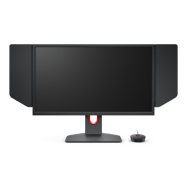
ZOWIE XL2566K
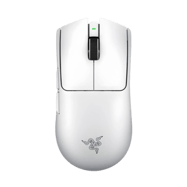
Razer Viper V4 Pro White
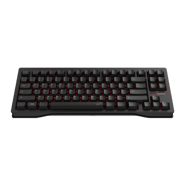
Wooting 80HE TenZ Edition
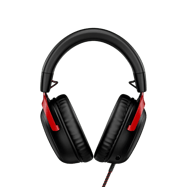
HyperX Cloud III
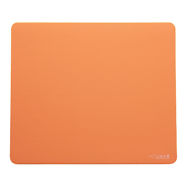
Artisan Ninja FX Zero XSoft Orange
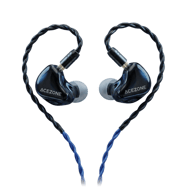
AceZone Earphones
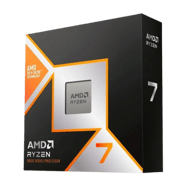
AMD Ryzen 7 9800X3D
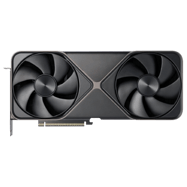
NVIDIA GeForce RTX 5080
Video Settings
Basic Video
Advanced Video
Skins Loadout
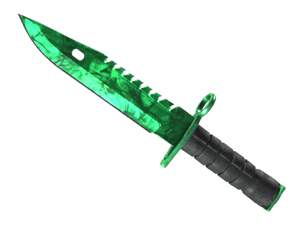
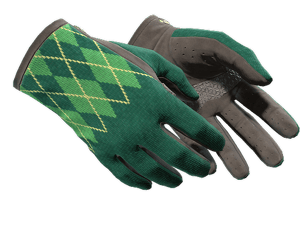
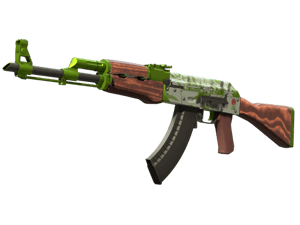
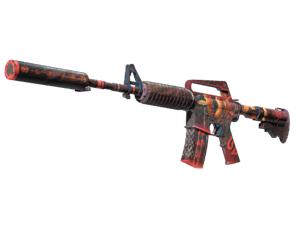
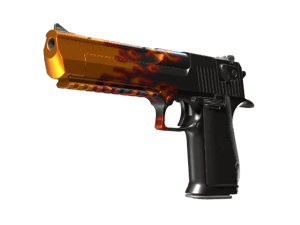
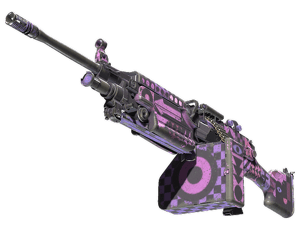
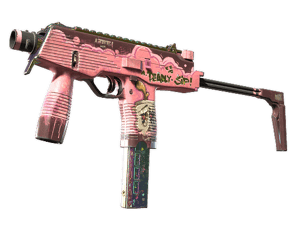
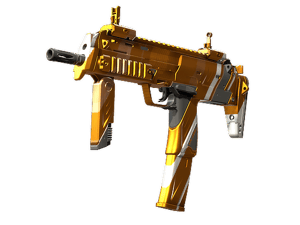
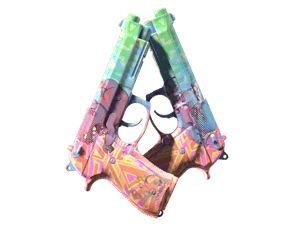
tN1R Highlights
Personal CS2 highlight reel of Spirit's tN1R, from jakobi - CS Highlights.
jakobi - CS Highlights
Watch on YouTubeQuick Facts & FAQ
Who should copy tN1R's crosshair?
tN1R's share code is CSGO-krfne-AJhNF-78VXK-YBTL3-L7JLH. It's a good reference if you prefer a classic static crosshair style.
What's notable about tN1R's gear stack?
tN1R's setup includes Monitor: ZOWIE XL2566K; Mouse: Razer Viper V4 Pro White; Keyboard: Wooting 80HE TenZ Edition. See the Gear Setup section below for the full list.
What is tN1R's CS2 crosshair code?
tN1R's official CS2 crosshair share code is CSGO-krfne-AJhNF-78VXK-YBTL3-L7JLH.
What monitor does tN1R use?
tN1R uses the ZOWIE XL2566K monitor.
What mouse does tN1R use?
tN1R uses the Razer Viper V4 Pro White mouse.
What keyboard does tN1R use?
tN1R uses the Wooting 80HE TenZ Edition keyboard.
What headset does tN1R use?
tN1R uses the HyperX Cloud III headset.
What mousepad does tN1R use?
tN1R uses the Artisan Ninja FX Zero XSoft Orange mousepad.
What earphones does tN1R use?
tN1R uses the AceZone Earphones earphones.
What processor does tN1R use?
tN1R uses the AMD Ryzen 7 9800X3D processor.
What graphics card does tN1R use?
tN1R uses the NVIDIA GeForce RTX 5080 graphics card.
What Gloves skin does tN1R use?
tN1R currently uses the ★ Driver Gloves \| Hand Sweaters.