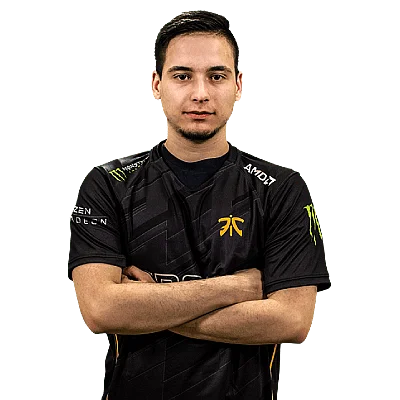
MaTaFe
MaTaFe currently plays for Retired from Slovenia. Born May 29, 1995. This profile aggregates MaTaFe's mouse, crosshair, video settings, gear, and skin loadout so fans can copy a pro-ready config in one place.
Team
Retired
Name
Matej Fekonja
Birthday
May 29, 1995
Updated
25 Apr 2025
Mouse Settings
Hz
1000
D P I
800
e D P I
1000.00
Sensitivity
1.25
Acceleration
Off
Per Optic A D S Sensitivity
Off
A D S Sensitivity Multiplier
1.3
Crosshair
Code not availableViewmodel
Gear & Setup
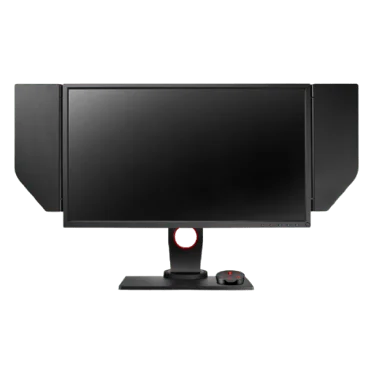
ZOWIE XL2540
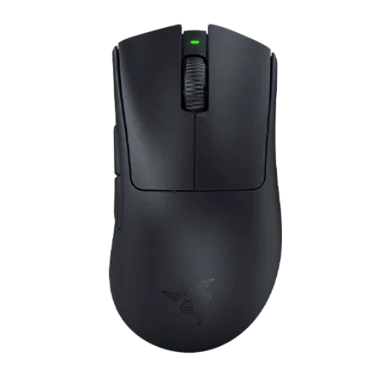
Razer Deathadder V3 Pro Black
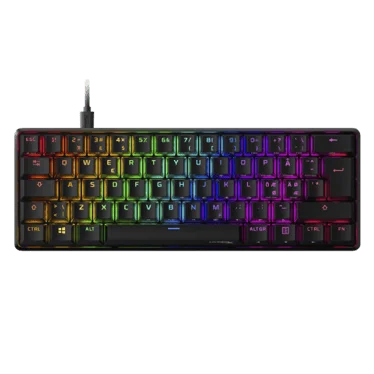
HyperX Alloy Origins 60
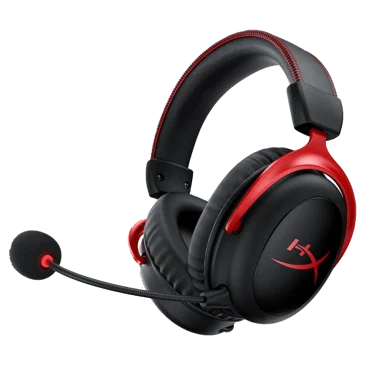
HyperX Cloud II Wireless
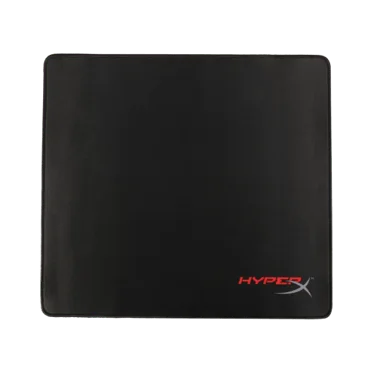
HyperX Fury S Pro
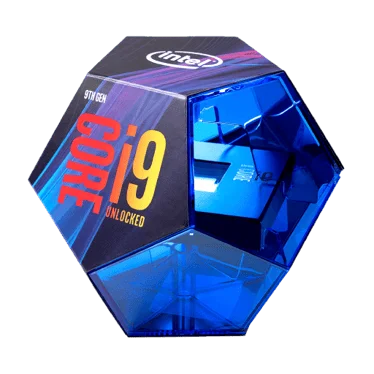
Intel Core i9-9900K
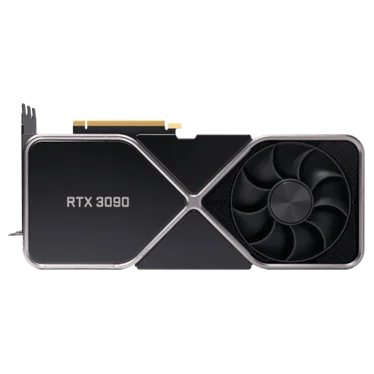
NVIDIA GeForce RTX 3090
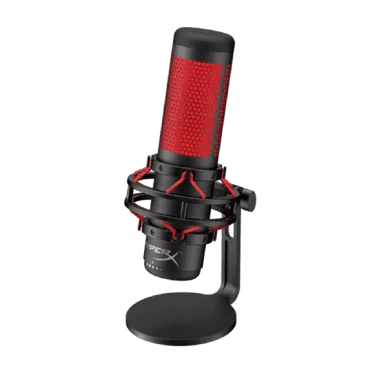
HyperX QuadCast
Video Settings
Basic Video
Advanced Video
Skins Loadout
Quick Facts & FAQ
What's notable about MaTaFe's gear stack?
MaTaFe's setup includes Monitor: ZOWIE XL2540; Mouse: Razer Deathadder V3 Pro Black; Keyboard: HyperX Alloy Origins 60. See the Gear Setup section below for the full list.
What monitor does MaTaFe use?
MaTaFe uses the ZOWIE XL2540 monitor.
What mouse does MaTaFe use?
MaTaFe uses the Razer Deathadder V3 Pro Black mouse.
What keyboard does MaTaFe use?
MaTaFe uses the HyperX Alloy Origins 60 keyboard.
What headset does MaTaFe use?
MaTaFe uses the HyperX Cloud II Wireless headset.
What mousepad does MaTaFe use?
MaTaFe uses the HyperX Fury S Pro mousepad.
What processor does MaTaFe use?
MaTaFe uses the Intel Core i9-9900K processor.
What graphics card does MaTaFe use?
MaTaFe uses the NVIDIA GeForce RTX 3090 graphics card.
What microphone does MaTaFe use?
MaTaFe uses the HyperX QuadCast microphone.