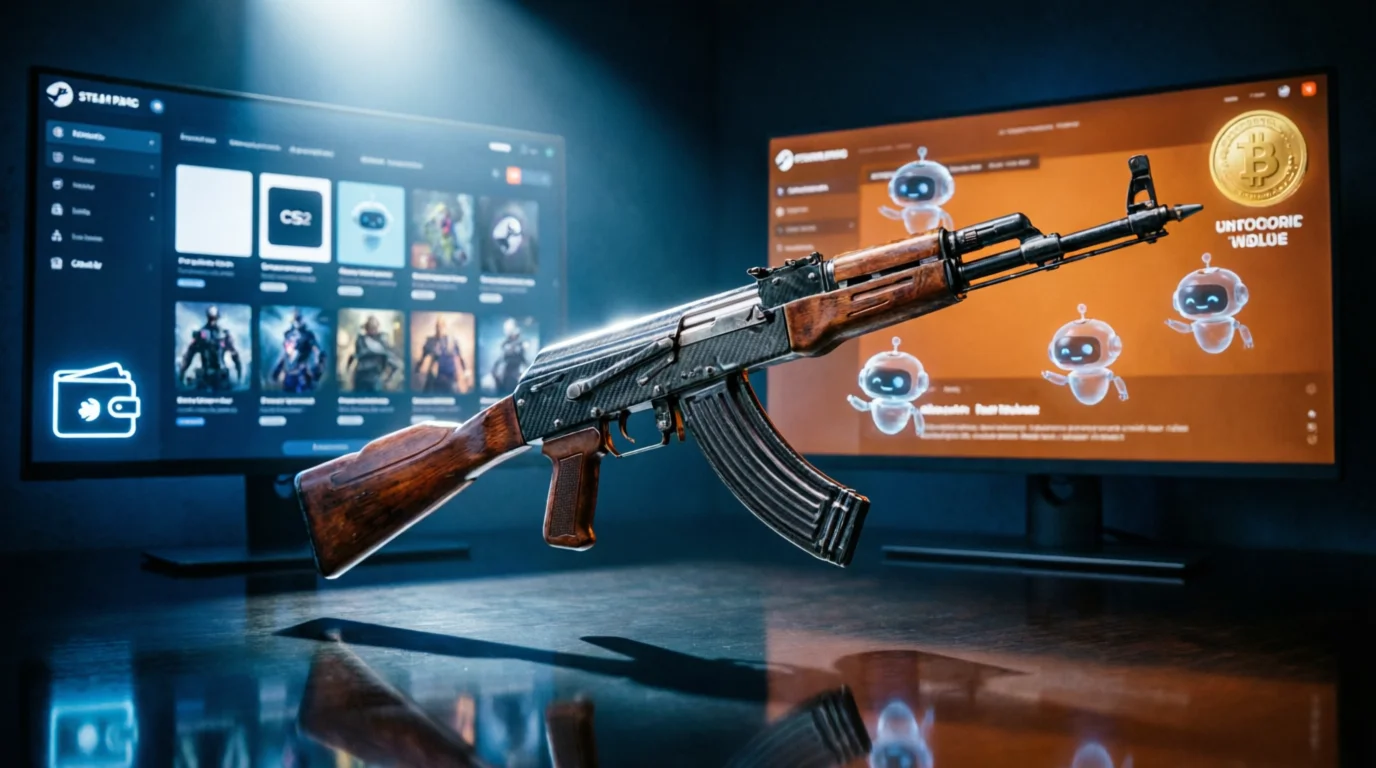
The Great Marketplace Split: Steam vs. Third-Party Sites for CS2 Skins
But anyone who’s spent more than a few hundred hours in CS2 knows the Steam Market has a dirty secret: you're paying a massive premium. That 15% seller fee doesn't just hit the guy selling the skin. It inflates everything. Meanwhile, third-party marketplaces like Skinport, Buff163, and DMarket have exploded in popularity, offering prices that often undercut Steam by 20-40%.
This isn’t a one-sided story. Each platform brings its own trade-offs—convenience, security, liquidity, and fees. Let’s break down the cold, hard numbers and the practical realities of both worlds.
The Steam Market: The Convenience Tax
Everyone starts here. It’s built into the client, you probably have Steam funds sitting around from selling cards or old skins, and the process takes ten seconds. But here’s the thing: you’re paying for that frictionless experience.
The Fee Structure (The Real Cost)
Valve takes a 15% cut on every single transaction (13% for Steam + 2% specifically for the game’s economy). That’s not a small fee. It’s a massive tax that cascades through the entire market.
Here’s the brutal math with a real-world example:
- Steam Market price for a mid-tier FN skin: $120
- Seller net after 15% fee: $102
- Third-party price (2% fee): $95
- Buyer overpay on Steam: $25 (that’s 26% more than the third-party price)
The Convenience Factor
Nobody talks about this but the convenience is genuinely high. You don’t need to link your Steam account to a third-party service. You don’t need to worry about API scams if you’re not careful. You don’t need to wait for a trade bot to send you an offer. You buy, it’s in your inventory instantly.
The security model is also simple: Valve handles 100% of the transaction. There’s zero risk of chargebacks, fake payment confirmations, or site hacks compromising your inventory. If you’ve ever had a friend lose skins to a phishing link, you know how valuable that safety net is.
The Downsides
- Price inflation: As shown above, you’re almost always overpaying.
- Limited selection: You can’t buy specific floats or patterns unless you scan listings manually.
- No pattern hunting: Trying to find a specific AK-47 | Case Hardened pattern? Steam’s interface is terrible for that.
- Withdrawal issues: Your money is stuck in Steam Wallet. You can’t turn it back into real cash without selling items on third-party sites anyway.
Third-Party Marketplaces: The Price Advantage
This is where the real value lives. Sites like Skinport, Buff163, and DMarket have built entire ecosystems around lower fees, better liquidity, and features that Steam simply doesn’t offer.
Fee Structures (The Real Numbers)
- Skinport: 12% seller fee on items under €2,000, but 0% buyer fee. For high-value items (over €2,000), the seller fee drops to 2-5%. This is a massive difference. If you’re buying a $50 skin, the seller pays $6 in fees, but the buyer pays exactly $50. No hidden charges.
- Buff163: The dominant platform in China and increasingly worldwide. 2.5% seller fee on most items. Buyer pays 0%. This is the most aggressive fee structure in the market.
- DMarket: 5% seller fee, 5% buyer fee (total 10% combined). Still better than Steam’s 15%, but not as competitive as Skinport or Buff.
The Practical Workflow
Buying on a third-party site is a few extra steps, but it’s not complicated:
- Create an account on Skinport/Buff163/DMarket.
- Link your Steam account (you’ll need to set your inventory to public temporarily).
- Deposit funds (most sites accept crypto, PayPal, or bank transfers. Buff163 requires Chinese payment methods or crypto through peer-to-peer).
- Browse and buy. You can filter by exact float, pattern, sticker crafts, even see playside photos for Case Hardened skins.
- Trade offer: The site sends you a trade offer from their bot. You accept it on Steam.
- Withdrawal: If you sell, you can withdraw real money to your bank or crypto wallet.
The Risk Factor (Be Honest)
Here’s where I have to be balanced. Third-party sites are not risk-free. The community seems split on this, but from watching the market for years, I’ve seen both the good and the ugly.
Legitimate risks:
- API scams: If your Steam API key is compromised, scammers can intercept trade offers and redirect them to their own accounts. This isn’t the site’s fault, but it’s a real danger if you’re not careful.
- Site hacks: In 2016, OPSkins was hacked. In 2020, CS.MONEY had a brief API issue. While major sites like Skinport and Buff163 have strong security, no platform is 100% unhackable.
- Withdrawal delays: Some sites hold funds for 7-14 days before allowing withdrawals, especially for new users.
- False listings: Rarely, sellers list items with manipulated inspect links or incorrect patterns. Established sites have support teams that handle this, but it’s a pain.
How to verify legitimacy:
- Check user reviews on Trustpilot and Reddit. Search for “Skinport scam” or “Buff163 legit” and see real experiences.
- Look at trade volume. Buff163 processes hundreds of thousands of trades daily. Skinport has been operating since 2018 with minimal major incidents.
- Verify the site’s URL. Scammers create copycat domains (like skinportt.com vs skinport.com). Always double-check.
- Use Steam’s trade confirmation. Never accept a trade that doesn’t match exactly what you bought. Scammers try to send fake offers with different floats or patterns.
The Head-to-Head Comparison
| Factor | Steam Market | Third-Party (Skinport/Buff) |
|---|---|---|
| Fees | 15% seller (inflates buyer price) | 2-5% seller, 0% buyer |
| Price | Usually 15-30% higher | Market-driven, often lower |
| Selection | Limited to listed skins | Full float/pattern filtering |
| Liquidity | Instant for buyers | Trade offer within minutes |
| Security | 100% Valve-backed | Good, but user responsibility needed |
| Cash out | Impossible (Steam Wallet only) | Yes (bank/crypto) |
| Pattern hunting | Manual only | Built-in tools (especially Buff) |
Which One Should You Use?
Stick with Steam Market if:
- You only buy occasionally (once a month or less)
- You’re risk-averse and don’t want to deal with API security
- You have Steam Wallet funds you need to spend
- You’re buying low-value skins (under $5) where the fee difference is negligible
- You don’t care about specific floats or patterns
Switch to third-party sites if:
- You buy frequently or invest in skins
- You want the best price possible (especially for high-value items like AWP | Dragon Lore or Karambit | Doppler)
- You need to cash out your inventory to real money
- You’re looking for specific floats (0.000x “world” floats) or rare patterns
- You want to avoid the Steam Market’s 15% tax
The Real Kick
From my experience, the smartest play is to use both. Keep a small balance in your Steam Wallet for quick impulse buys or trade-up contracts. Use Skinport or Buff163 for everything else—especially if you’re spending more than $50 on a single skin.
Final Verdict
The Steam Market is the safe, convenient, but expensive option. It’s like buying groceries at a premium convenience store—you pay for the location and speed. Third-party sites are like the wholesale warehouse: better prices, more selection, but you need to bring your own bags (and watch for scams).
If you’re serious about building a collection, flipping skins, or just not overpaying, third-party marketplaces are the clear winner. Just take the extra five minutes to secure your Steam account, enable mobile authenticator, and never click suspicious links. The savings are real, and the tools are better.
The market has spoken. Buff163 and Skinport dominate trade volume now. Steam’s market share is shrinking every year. Don’t pay the convenience tax unless you absolutely have to.