The Art of the Themed Loadout
In Counter-Strike 2, having expensive skins is great, but having a perfectly color-coordinated loadout is the ultimate flex. A themed inventory shows dedication, aesthetic taste, and planning. When your gloves perfectly match your knife, and your AK-47 perfectly matches your gloves, it elevates your entire in-game experience.
Here is a step-by-step guide on how to build a stunning color-themed CS2 loadout.
Step 1: Choose Your Anchor Item (The Foundation)
Every great loadout starts with an "Anchor Item." This is usually the most expensive or visually dominant item you own—typically your Knife or your Gloves.
If you decide to build a red inventory, you don't start by buying a red P250. You start by securing your Specialist Gloves | Crimson Kimono or your Karambit | Slaughter. Once you have your expensive anchor item, you build the rest of your inventory around it.
Step 2: Selecting the Primary Color Theme
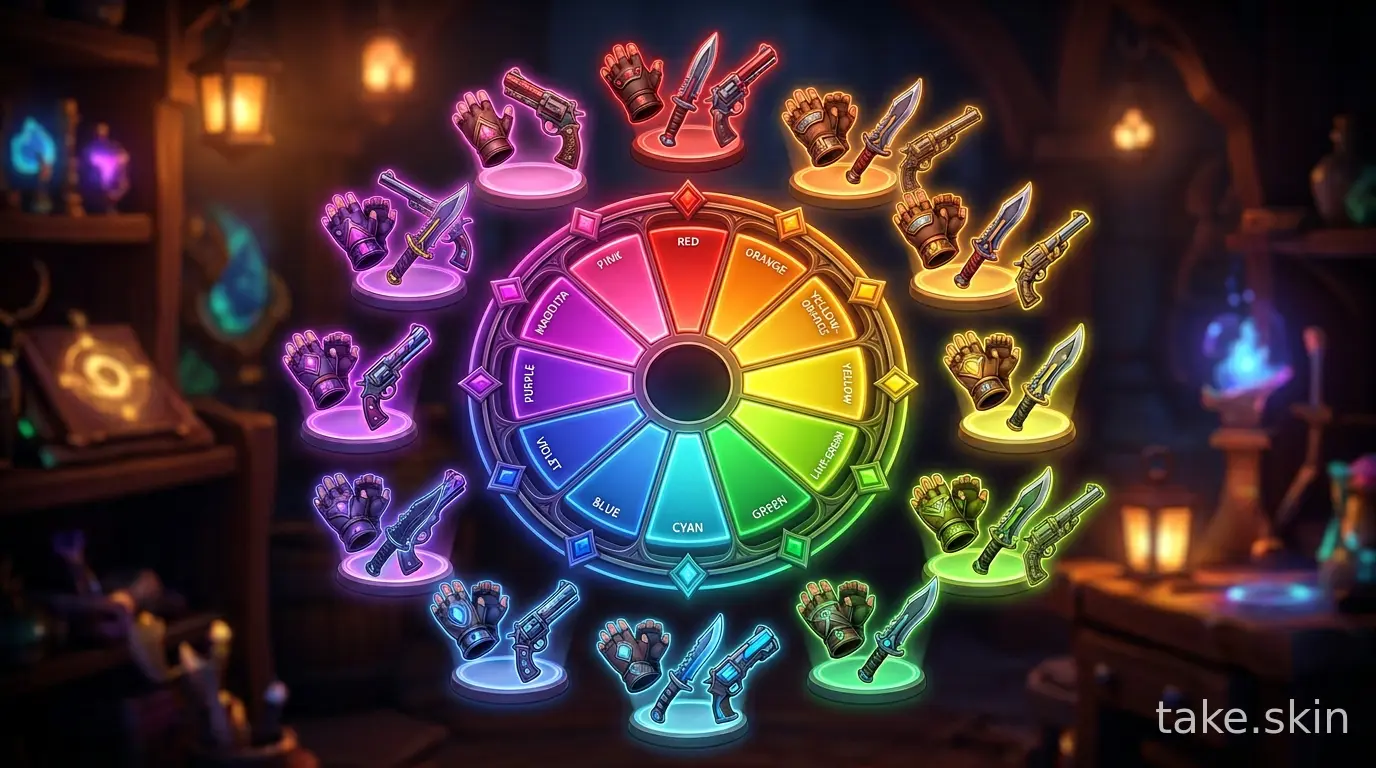
Here are the most popular color themes and some of the best skins to include in them:
🔴 The Red Loadout (Aggressive & Popular)
Red is arguably the most popular color theme in CS2. It's aggressive, striking, and has a massive selection of high-tier skins.
- Gloves: Specialist Gloves | Crimson Kimono, Sport Gloves | Slingshot
- Knife: Any Crimson Web, Slaughter, or Autotronic finish.
- Rifles: AK-47 | Bloodsport, M4A4 | Howl, M4A1-S | Cyrex
- Sniper: AWP | Redline
- Explore more: Best Red Skins in CS2
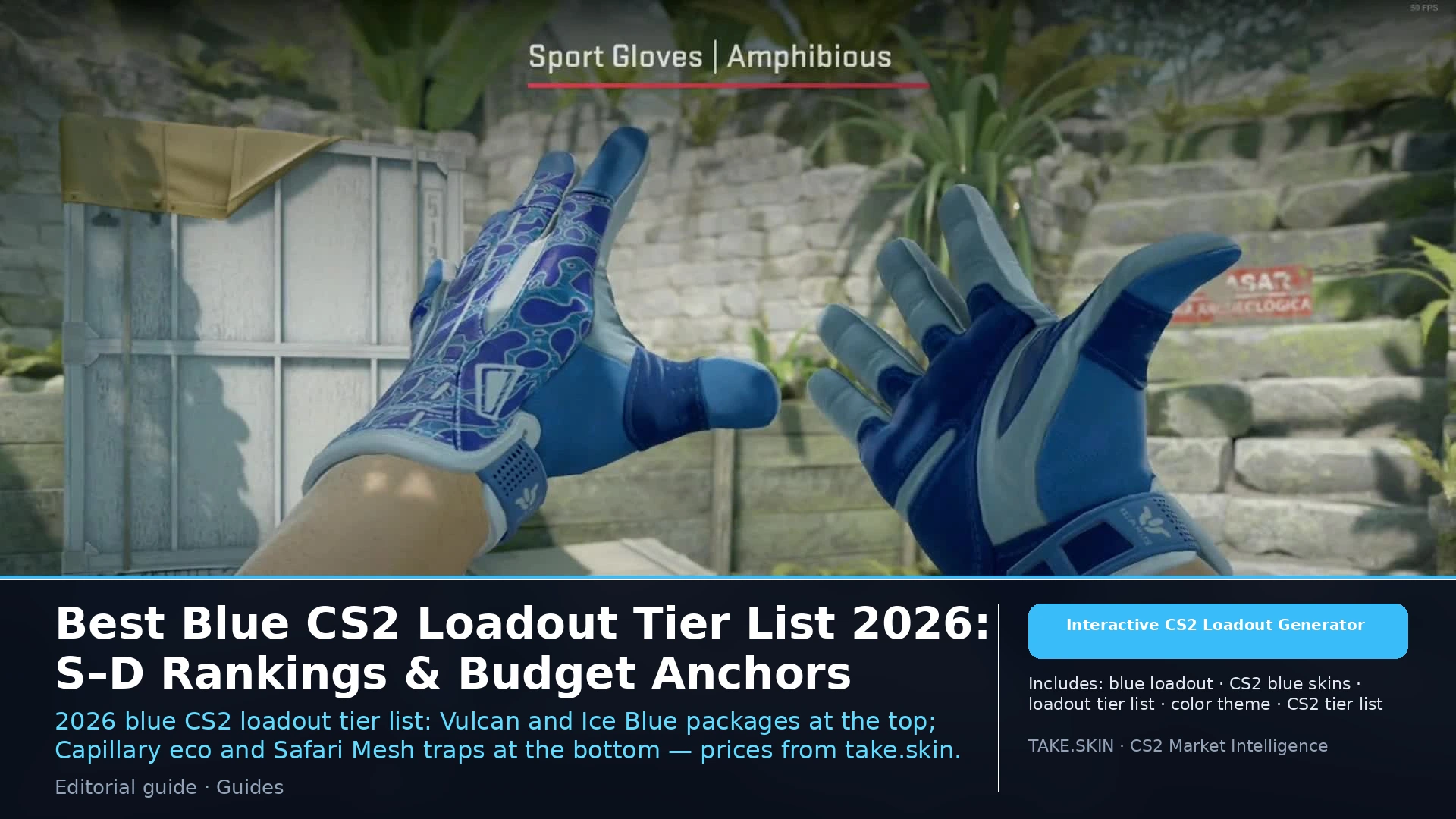
🔵 The Blue Loadout (Cool & Clean)
Blue loadouts look incredibly clean, especially with the lighting updates in Source 2.
- Gloves: Sport Gloves | Amphibious, Moto Gloves | Polygon
- Knife: Doppler (Sapphire or Phase 4), Blue Steel
- Rifles: AK-47 | Vulcan, M4A1-S | Blue Phosphor
- Sniper: AWP | Gungnir or Sun in Leo
- Explore more: Best Blue Skins in CS2
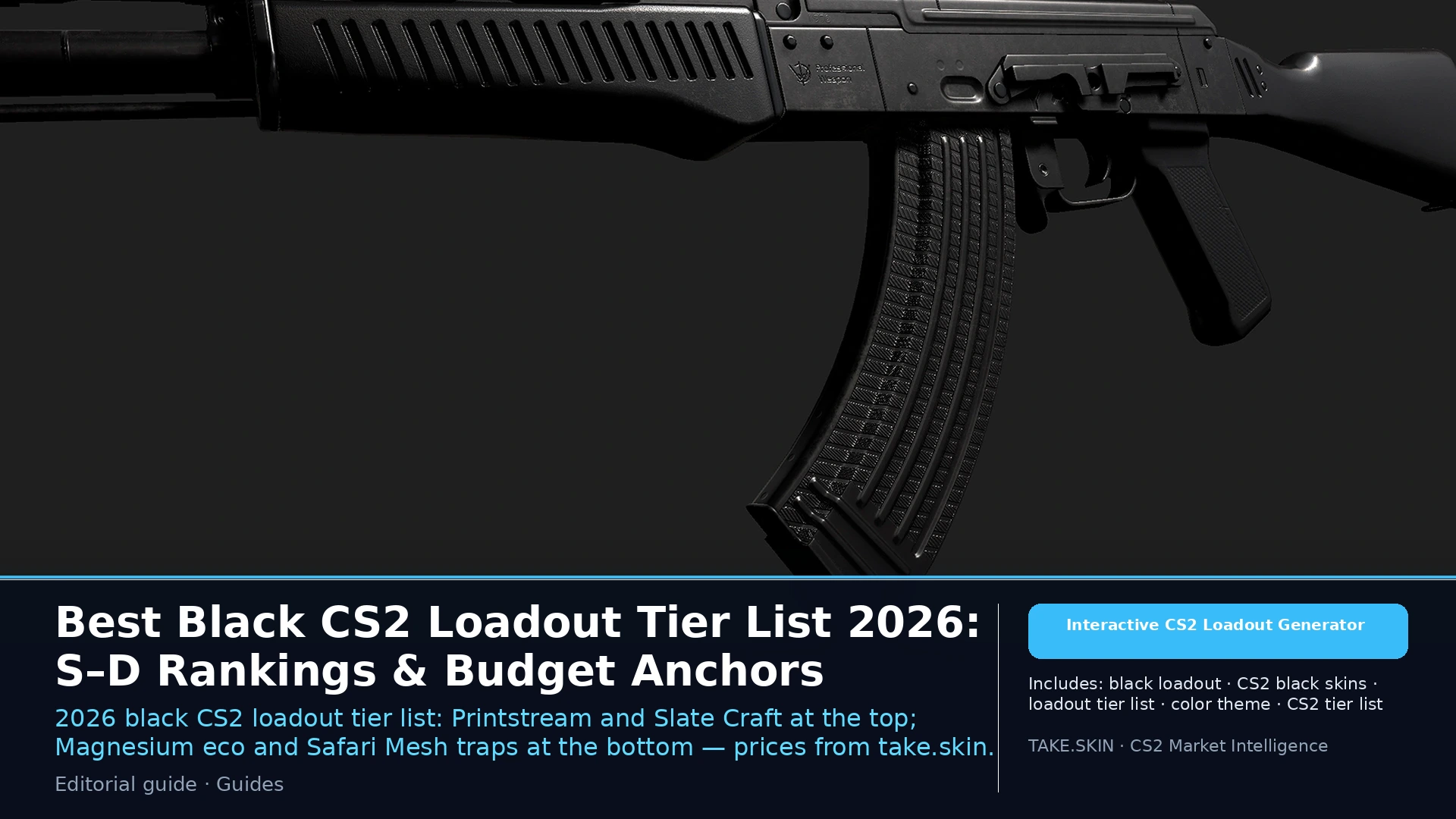
⚫ The All-Black / Stealth Loadout (Minimalist)
For players who prefer a tactical, realistic look.
- Gloves: Sport Gloves | Nocts, Moto Gloves | Eclipse
- Knife: Black Laminate, Night, or Vanilla finishes.
- Rifles: AK-47 | Slate, M4A4 | Magnesium (with dark stickers)
- Sniper: AWP | Graphite
- Explore more: Best Black Skins in CS2
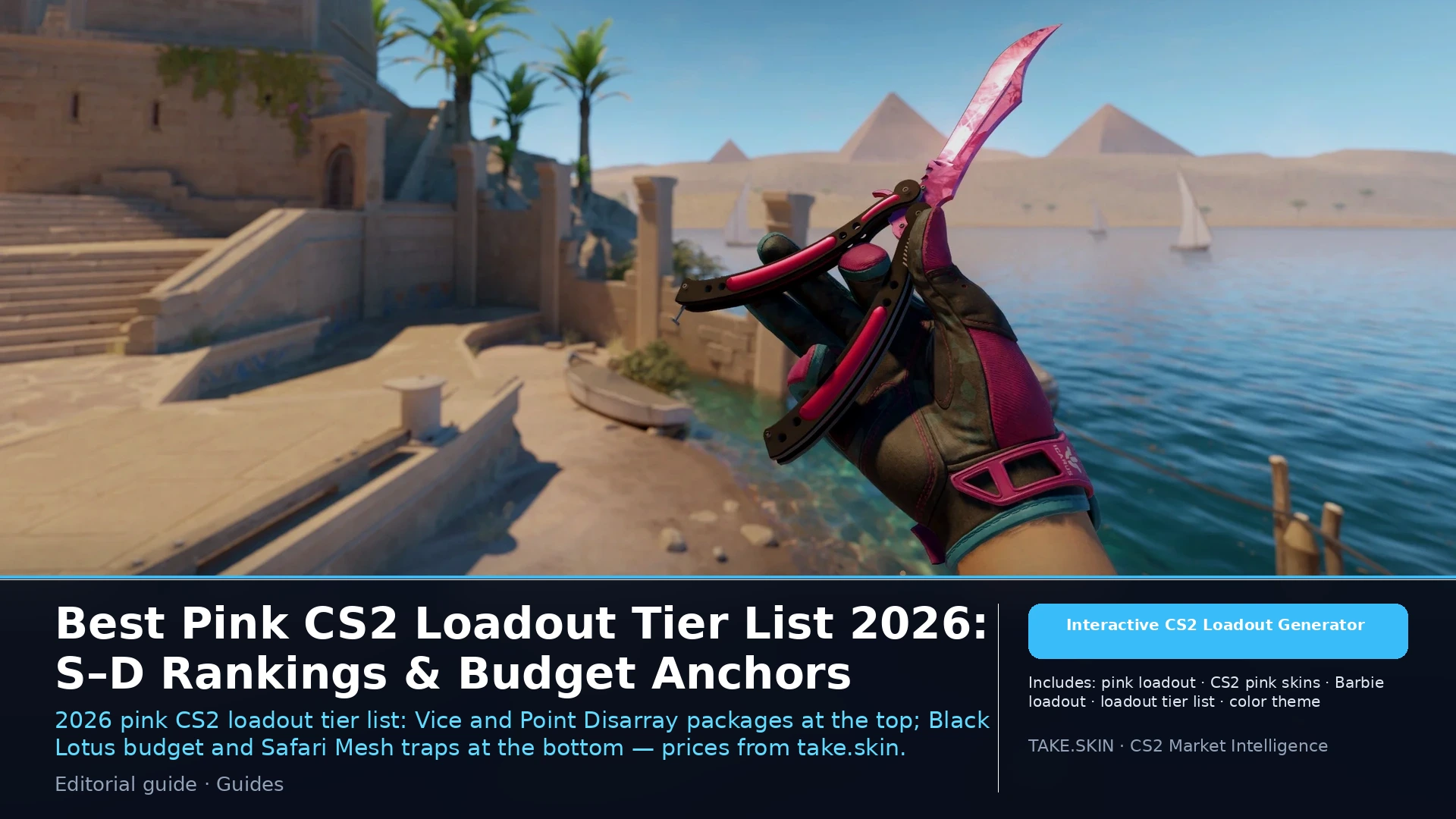
🌸 The Pink / Vice Loadout (The Ultimate Flex)
Made famous by the legendary Vice gloves, this is the loudest loadout you can build.
- Gloves: Sport Gloves | Vice
- Knife: Doppler (Phase 2) or Fade (with high pink percentage)
- Rifles: AK-47 | Neon Rider, M4A1-S | Printstream (has pearlescent pink hues)
- Sniper: AWP | Pink DDPAT or Chromatic Aberration
- Explore more: Best Pink Skins in CS2
Step 3: Use Stickers for Color Correction
Sometimes, you might not find a weapon skin in your chosen color that you actually like. This is where Stickers save the day.
If you are building a green loadout but hate all the green AK-47 skins, you can buy a neutral black AK-47 (like the Slate) and apply four bright green esports stickers (like Sprout or OpTic Gaming) to force it to match your theme.
Step 4: Utilize the TAKE.SKIN Color Filter
Building a loadout manually by searching the Steam Market can take hours. Instead, use our dedicated color hubs to instantly find every skin in the game that matches your desired aesthetic:
Conclusion
Building a themed loadout is a journey. Don't feel pressured to buy everything at once. Secure your knife and gloves first, and slowly collect your matching weapon skins over time. A well-crafted theme not only looks amazing but makes every round of CS2 more enjoyable.