The Counter-Strike 2 economy doesn't just exist on the Steam Marketplace or third-party websites; its lifeblood flows through community platforms like Discord and Telegram. These apps are where traders negotiate deals, price check rare patterns, and find buyers for cash trades.
Because so much high-value activity happens off-platform, scammers treat Discord and Telegram as prime hunting grounds. They exploit the informal nature of chat apps to bypass Steam's built-in security warnings. Here is a comprehensive guide to the most common CS2 scams on Discord and Telegram and how to protect yourself.
1. The Direct Message (DM) Lure
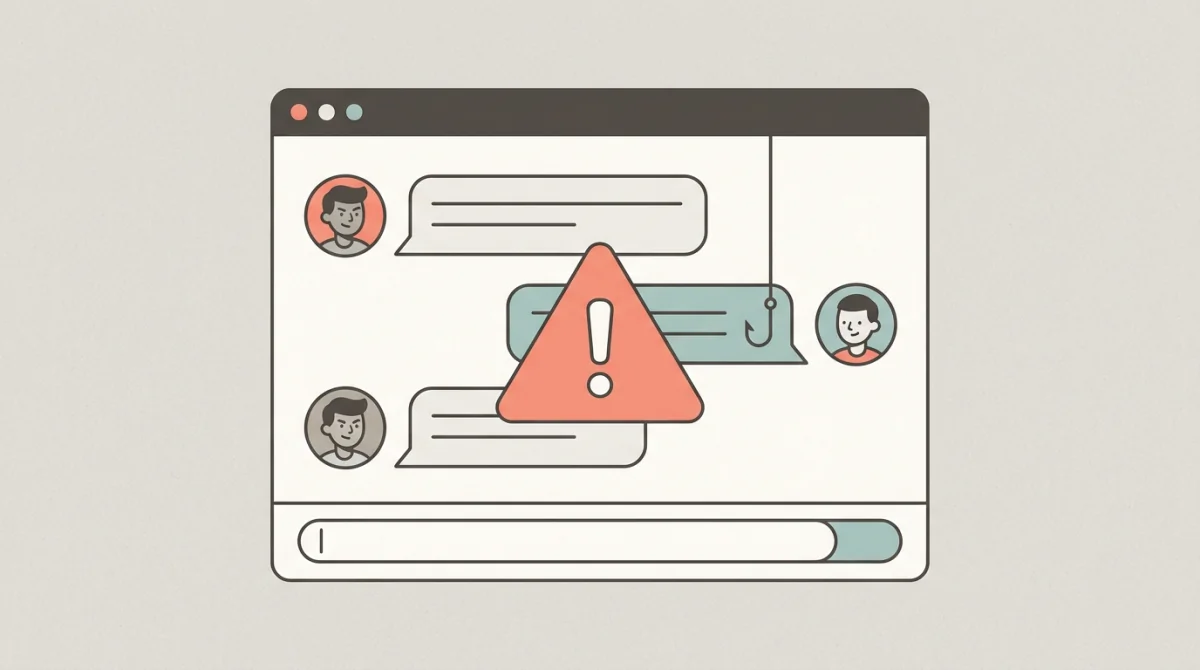
This is the most common approach. The golden rule of Discord trading is simple: Almost every unsolicited DM regarding CS2 skins from someone you do not know is a scam attempt.
Scammers use automated bots to scrape member lists of popular CS2 servers (like the official CS2 server, trading hubs, or influencer servers). They then mass-DM users with various hooks:
The "Overpay" Cash Buyer
- The Hook: "Hey, I saw your inventory. I'm looking to buy your knife/gloves. I can pay 110% of Buff price in crypto/PayPal right now."
- The Scam: They offer an impossibly good price to blind you with greed. They will present fake "cash rep" threads or screenshots of massive crypto balances. Once you agree, they will either use the fake payment screenshot scam or orchestrate an API hijack.
- The Reality: Legitimate cash traders do not mass-DM random users offering above-market rates. They buy at a discount to make a profit.
The Fake Giveaway / Promo
- The Hook: "Congratulations! You've been randomly selected in our weekly server giveaway to win a Karambit Doppler. Click here to claim: [malicious link]"
- The Scam: The link goes to a phishing site designed to steal your Steam login credentials.
- The Reality: Real giveaways are handled within server channels, not via sudden DMs asking you to log into external sites.
2. Server and Admin Impersonation
Scammers are incredibly adept at mimicking authority figures to lower your guard.
The "Clone" Admin
- The Hook: You are having a dispute in a trading server, or you post a high-tier item for sale. An "Admin" DMs you offering to help mediate or "middleman" the trade.
- The Scam: The user has copied the profile picture and name of a real server admin. They might use visually identical characters (e.g., a Greek 'o' instead of an English 'o') to bypass username checks. If you use them as a middleman, they will simply take your items and block you.
- How to Verify: Never trust just the name and picture. On Discord, click the user's profile and check their roles in the actual server. Better yet, right-click their name and copy their unique Discord User ID (a long string of numbers). You can compare this ID against the real admin's ID.
The Fake "Support" or "Valve Employee"
- The Hook: Someone DMs you claiming your Steam account is flagged for duped items or fraud, and you must trade your items to a "secure vault" for verification.
- The Reality: Valve employees do not use Discord or Telegram to conduct official business or provide support. Any threat of a ban delivered via Discord is a 100% guaranteed scam.
3. The Fake Community Server
Sometimes the scammers don't just impersonate a person; they impersonate an entire community.
- The Setup: You are invited to a "High Tier Trading" server or a server belonging to a famous YouTuber. The server looks active, with thousands of members and busy chat channels.
- The Scam: The server is entirely fake. The "thousands of members" are offline bots. The "busy chat" is populated by bots talking to each other to simulate activity. The admins of this server are all scammers. Any middleman service they offer, or any "trusted buyer" they recommend, is part of the trap.
- How to Verify: Only join servers via links provided on official platforms (e.g., the YouTuber's official Twitter/YouTube description, or reputable subreddits). Do not trust server invites sent via random DMs.
4. Telegram Specifics: Fake Bots and Channels
Telegram is heavily used by the Eastern European and CIS CS2 communities. The scams are similar to Discord but utilize Telegram's unique features.
- Fake Marketplace Bots: Telegram allows users to create interactive bots. Scammers create bots that claim to be automated marketplaces (e.g., "Buff163_AutoBuy_Bot"). You send skins to the bot, expecting funds in return, but the bot simply keeps the items.
- Clone Channels: Scammers create channels with names almost identical to famous traders or betting tipsters. They post fake updates and eventually post a phishing link or a scam offer, hoping followers of the real channel are confused.
Best Practices for Discord & Telegram Safety
- Turn off DMs from Server Members: This single action prevents 90% of these scams. In Discord, go to User Settings -> Privacy & Safety -> "Allow direct messages from server members" and turn it off. Only accept friend requests from people you actually know or have vetted in public channels.
- Verify, Verify, Verify: If you must use a middleman or deal with an admin, verify their identity using their unique User ID, not just their display name.
- Stay in the Public Eye: Conduct negotiations and price checks in public channels where other experienced members can warn you if someone is acting suspiciously. Scammers hate public scrutiny.
- No External Links: Be extremely wary of clicking any links to "verify your inventory," "check this screenshot," or "join my Faceit hub" sent via chat apps.
By treating every DM with extreme skepticism and verifying identities meticulously, you can safely utilize the powerful community tools Discord and Telegram offer without falling victim to the predators lurking within them.