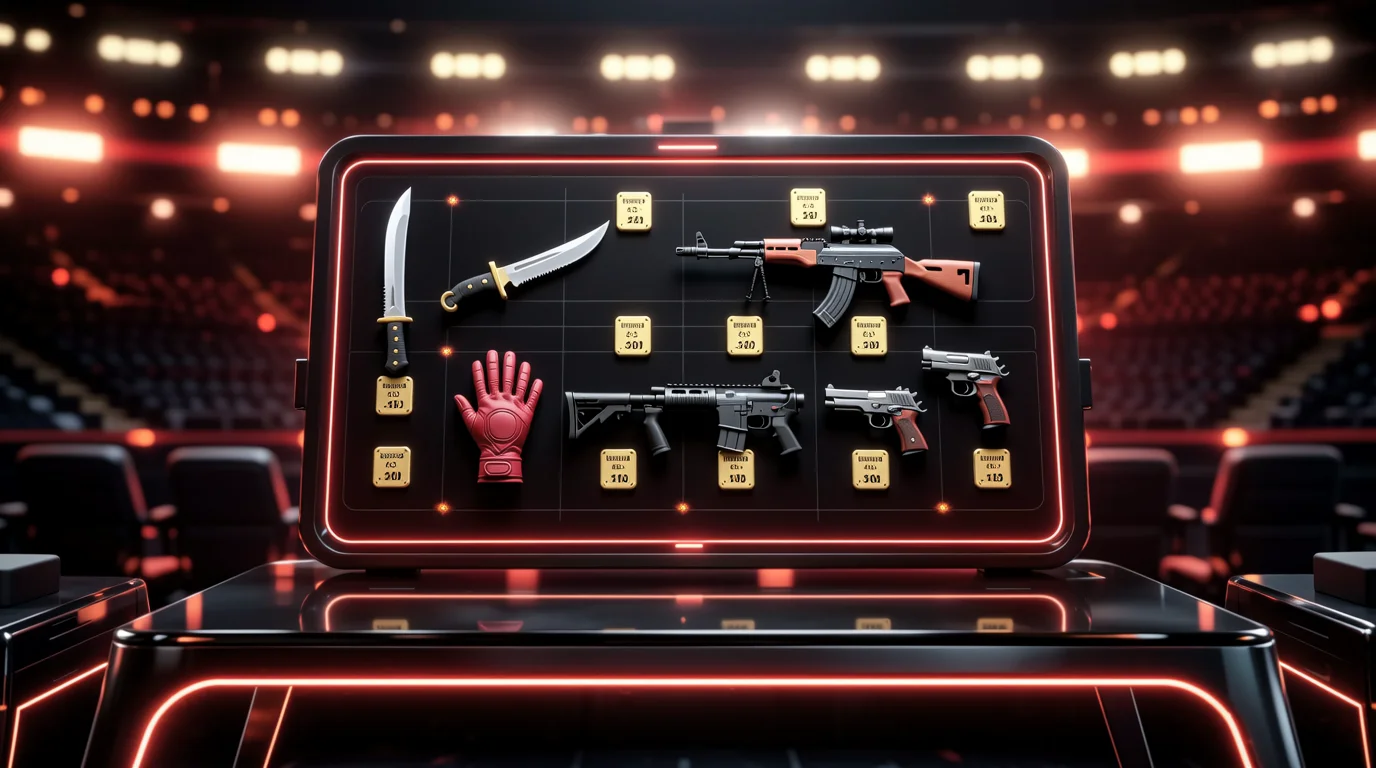
Building a CS2 loadout used to mean buying skins one at a time in-game and hoping the total stayed within budget. In 2026, dedicated loadout builders let you plan an entire inventory — Terrorist and Counter-Terrorist sides, knife, gloves, agent, and extras — before spending a dollar. The best tools combine visual combo planning with live marketplace pricing so you see what a build actually costs, not what you wish it cost.
This guide reviews five loadout and combo tools worth knowing in August 2026, compares their strengths, and explains when to use each one.
What Makes a Good Loadout Builder?
Before diving into individual tools, here is what separates a useful builder from a skin gallery:
| Feature | Why it matters |
|---|---|
| Live pricing | Stale prices make budget planning meaningless |
| Multi-market comparison | The cheapest AK-47 listing is rarely on the first site you check |
| T/CT side separation | Competitive players run different skins per faction |
| Knife + glove pairing | Color-matched combos are the visual anchor of any loadout |
| Budget randomization | One-click reroll saves hours of manual searching |
| Shareable links | Post your build to Discord, Reddit, or Steam without screenshots |
| Float/wear awareness | Factory New vs. Field-Tested can differ 2–5× in price |
Tool Comparison at a Glance
| Tool | URL | Primary strength | Live prices | Budget reroll | Share link | Best for |
|---|---|---|---|---|---|---|
| take.skin | take.skin | Interactive loadout card + color/budget themes | Yes | Yes | Yes | Themed combos, blog-integrated planning |
| CS2 Labs | cs2labs.com | Marketplace comparison in-builder | Yes | Partial | Yes | Price-conscious buyers who compare markets |
| RiskySkins | riskyskins.com | Budget reroll + per-skin buy links | Yes | Yes ($50–Unlimited) | Yes | Fast budget loadouts with buy routing |
| myCSinventory | mycsinventory.com | Pro player copies + glove/knife combos | Yes (Skinport) | Yes | Yes | Pro-inspired builds, pair matching |
| Broskins | broskins.com | Sticker crafts + inspect screenshots | Partial | No | Yes (inspect) | Craft preview, pattern screenshots |
take.skin — Interactive Loadout Generator
URL: take.skin/loadout
take.skin's Loadout Generator is built for players who want a visual, budget-aware combo planner integrated with the site's skin database and blog content. Unlike standalone builders, it connects directly to take.skin's per-skin pages — so every pick links to live pricing, float context, and marketplace comparison.
Key Features
- Budget-driven generation — set a spend target and receive a coordinated T/CT loadout
- Color-theme matching — red, blue, pink, anime, and other palette presets
- Knife + glove combo logic — pairs are selected for color harmony, not random fills
- Blog integration — loadout articles embed the generator via
[CS2 Loadout Generator](loadout:en)for in-context planning - Live multi-market pricing on every skin slot
- Shareable output for community posts and friend comparisons
Pros and Cons
| Pros | Cons |
|---|---|
| Best integration with CS2 skin guides and hub pages | Smaller standalone brand vs. CS2 Labs/RiskySkins |
| Strong color-theme and combo logic | No sticker craft preview (use Broskins for that) |
| Clean mobile-friendly card UI | Pro player inventory mirroring less deep than myCSinventory |
| Free, no account required | Marketplace link-out depth growing vs. CS2 Labs |
Best for: Players reading loadout guides who want to immediately build the combo described in the article — especially color-themed and budget loadouts.
CS2 Labs — Loadout Maker with Marketplace Comparison
URL: cs2labs.com/builder
CS2 Labs positions itself as a loadout maker + marketplace comparison hub. Its builder covers the full inventory scope — pistols, mid-tier, rifles, knife, gloves, Zeus, agent, music kit, pin, and graffiti — with inline cheapest-price display and one-click marketplace lists per item.
Key Features
- Full inventory builder — every logical slot including agents and extras
- Inline cheapest price visible throughout the builder flow
- Per-item marketplace modal — compare supported markets without leaving the site
- Public loadouts — browse community builds
- Target price alerts — get notified when a skin or full loadout value drops into budget
- Skin browser — filter by category, pricing, and wear before adding to build
Pricing Integration
CS2 Labs shows one clean cheapest price inline, then expands to a full marketplace list on click. Supported markets include major Western and Chinese platforms (exact list varies by item availability). The site also publishes guides on how CS2 pricing, tradable context, and fallback prices work across its data pipeline.
Pros and Cons
| Pros | Cons |
|---|---|
| Excellent marketplace comparison UX | Less emphasis on one-click budget reroll |
| Broad slot coverage (Zeus, pin, graffiti) | Smaller community loadout library than RiskySkins |
| Price alert system for budget tracking | No sticker craft or inspect tools |
| Active Discord community ([email protected]) |
Best for: Buyers who want to compare marketplace prices item-by-item while building, without opening six browser tabs.
RiskySkins — Budget Reroll Loadout Builder
URL: riskyskins.com/skins/loadout-builder
RiskySkins built its loadout builder around a simple insight: most players overspend because they pick skins one at a time without seeing the running total. Their builder flips the workflow — build the whole loadout first, see the cost, then decide.
Key Features
- Manual build mode — tap any weapon slot, browse skins with live prices, watch total update in real time
- Budget reroll — set a budget ($50 to Unlimited), hit reroll, get a full T/CT loadout near that number
- Preset tiers: $50–$100 (starter), $100–$250 (mid), $250–$500 (serious), $500–$1,000 (high-tier), $1,000–$2,500 (premium)
- Per-skin buy links — every pick links to a RiskySkins comparison page showing the skin across tracked markets
- 10,235+ skin database with float values and case origins
- Color browse — filter 10,000+ items by dominant color across 12 categories
How Budget Reroll Works
- Select a budget preset (e.g., $250)
- Click Re-roll — every slot fills with real skins that land near your target
- Don't like the result? Re-roll again — unlimited attempts
- Swap individual slots manually to refine
- Share the final build with one link
Pros and Cons
| Pros | Cons |
|---|---|
| Fastest budget loadout generation | Less marketplace modal depth than CS2 Labs |
| Unlimited reroll is genuinely useful | Skinport/CSFloat link-out via comparison pages, not inline modals |
| Strong color-filter database | No agent/music kit/pin slots in basic builder |
| Clean UX for beginners | No pro player loadout mirroring |
Best for: Players who know their budget ($50–$2,500) and want a complete loadout in under 60 seconds.
myCSinventory — Pro Player Loadouts and Glove/Knife Combos
URL: mycsinventory.com
myCSinventory takes a different angle: instead of random budget fills, it lets you copy verified pro player inventories and browse curated glove+knife pairings scored against live Skinport prices.
Key Features
- Smart Loadout Builder — set budget ($250–$1,000+), pick color preference, choose scope (Pair / Essentials / Full)
- Build modes: "Build from budget" or "Match my skin" (build a pair around an owned skin)
- 199 curated glove+knife combos — community-sourced, color-matched, budget-tiered
- 19 pro player loadouts — verified from live pro inventories (ZywOo, donk, FalleN, and others)
- Armory Hype Combos — visual-first bundles for new collection drops (Spy Tech, Arabesque, July 2026)
- Live Skinport prices refreshing every few minutes + one-click DMarket search
- Color preference filter — red, blue, green, purple, gold, black, orange, pink, white
Loadout Scopes
| Scope | Slots | Use case |
|---|---|---|
| Pair | Knife + gloves (2 purchases) | Minimum viable flex |
| Essentials | 8 core weapons | Competitive match coverage |
| Full loadout | 12 slots | Complete inventory plan |
Pros and Cons
| Pros | Cons |
|---|---|
| Best pro player loadout mirroring | Pricing primarily Skinport + DMarket search (not 14-market modal) |
| Curated combo library (199 sets) | Less flexible manual slot-by-slot control |
| "Match my skin" pair builder is unique | Full loadout scope requires higher budgets |
| Armory/new-drop combo previews | No sticker craft tools |
Best for: Fans who want to replicate ZywOo's pink palette or donk's Butterfly Doppler setup without manually sourcing each skin.
Broskins — Sticker Crafts, Inspect Screenshots, and Pattern Tools
URL: broskins.com
Broskins is not a traditional loadout builder — it is a craft and inspect workshop. Where other tools answer "what should I buy?", Broskins answers "what will this craft look like in-game?" and "what is this pattern worth?"
Key Features
- Sticker craft builder — apply stickers to any weapon, preview placement, generate inspect codes
- In-game viewer — test crafts on Broskins' community servers (Nuke, Dust 2, Mirage, etc.)
- Skin screenshot tool — high-quality renders with float, pattern, fade percentage, and sticker wear
- Pattern analysis — Blue Gem percentage, Fade %, Fire & Ice detection for Doppler knives
- Inspect link generator — share crafts via CS2 inspect URLs
- Price context on crafted items (integrated with market data)
What Broskins Does Not Do
- No full T/CT loadout builder with budget reroll
- No multi-marketplace buy routing
- No pro player inventory mirroring
Pros and Cons
| Pros | Cons |
|---|---|
| Best-in-class sticker craft preview | Not a loadout budget planner |
| In-game server testing | Partial live pricing vs. dedicated aggregators |
| Pattern/fade/Blue Gem analysis | No agent, glove, or music kit planning |
| Established community tool (X: @tchuriki) | Craft-focused, not inventory-focused |
Best for: Sticker craft planning, pattern verification before purchase, and shareable inspect screenshots — use alongside a loadout builder, not instead of one.
How to Choose the Right Tool
| Your goal | Use this tool |
|---|---|
| "I have $200 — build me a loadout" | RiskySkins (reroll) or take.skin (themed generator) |
| "I want to compare prices while building" | CS2 Labs |
| "I want to copy s1mple's inventory" | myCSinventory |
| "I want a red/blue/pink themed combo" | take.skin Loadout Generator or RiskySkins color browse |
| "I want to preview a 4× Katowice 2014 craft" | Broskins |
| "I want knife + gloves that match under $500" | myCSinventory (Pair scope) or take.skin |
| "I'm writing a loadout guide and need an embed" | take.skin [CS2 Loadout Generator](loadout:en) |
Budget Loadout Benchmarks (August 2026)
These ranges reflect live multi-market pricing averages. Always verify before buying — prices shift with case releases, operations, and Valve updates.
| Budget | Realistic loadout scope | Example combo direction |
|---|---|---|
| $25–$50 | Weapons only, no knife | AK Slate + AWP Atheris + budget pistols |
| $50–$150 | Entry knife (Navaja, Shadow Daggers) + basic weapons | Gut Knife + Redline family |
| $150–$300 | Knife + basic gloves or strong weapon suite | Moto Gloves |
| $300–$500 | Knife + gloves + coordinated rifles | Driver Gloves |
| $500–$1,000 | High-tier knife + matching gloves + full weapon coverage | Specialist Gloves + Karambit tier |
| $1,000+ | Premium combos, Doppler phases, pro-level flex | Butterfly Sapphire + Sport Gloves |
Gloves push the realistic "complete flex" floor to roughly $150–$250 — a knife-only loadout can look good for less, but knife+gloves pairing is what separates a loadout from a random skin collection.
Tips for Building Better Combos
- Start with knife + gloves — pick your anchor pair first, then fill weapons around their color palette
- Use reroll aggressively — generate 10–20 budget builds before committing; variance is free
- Check both T and CT sides — a loadout that only looks good on one faction feels incomplete in competitive
- Verify live prices before checkout — builder prices are snapshots; listings change hourly
- Factor in the 7-day trade hold — items bought on third-party markets cannot be re-traded for 7 days (Trade Protection applies to P2P trades since July 2025)
- StatTrak™ premium rarely justifies the cost for visual loadouts — spend the delta on better wear or a nicer knife
- Preview crafts separately — use Broskins for sticker plans, then add finished crafts to your loadout budget manually
The Armory, Charms, and 2026 Meta
The 2025–2026 CS2 updates added new loadout dimensions beyond weapons:
- The Armory (2025) introduced Spy Tech and Arabesque collections — myCSinventory's "Armory Hype Combos" section previews visual bundles for these drops
- Charms/Keychains (2025–2026) add attachable items to weapons — most loadout builders do not yet include charm slots, but take.skin and CS2 Labs track new item categories as they enter the pricing pipeline
- Agents remain pure cosmetic with identical hitboxes — CS2 Labs includes agent slots; budget builders often skip them to preserve weapon/knife spend
If you are building around a new collection drop, prioritize builders that update their skin database quickly (RiskySkins lists 10,235+ items; CSDB.gg tracks new cases within days of release).
Final Verdict
There is no single "best" loadout builder — the right tool depends on whether you optimize for speed (RiskySkins reroll), price comparison (CS2 Labs), pro player replication (myCSinventory), craft preview (Broskins), or themed combo planning (take.skin).
Our recommended stack for most players:
- take.skin Loadout Generator — plan the themed combo and set your budget anchor
- CS2 Labs or RiskySkins — compare marketplace buy prices for each slot
- Broskins — preview any sticker crafts before purchasing holos/foils
- myCSinventory — check what pros run if you want inspiration beyond Reddit screenshots
Build first, buy second — that is the workflow every tool on this list is designed to enable.