
Khanada
Khanada currently plays for Dignitas from United States. Born N/A. This profile aggregates Khanada's mouse, crosshair, video settings, gear, and skin loadout so fans can copy a pro-ready config in one place.
Team
Dignitas
Name
Leon Khim
Birthday
N/A
Updated
08 Dec 2025
Mouse Settings
Hz
1000
D P I
800
Scope Sensitivity
40.1%
X- Axis Sensitivity
7.0%
Y- Axis Sensitivity
7.0%
Editing Sensitivity
105%
Building Sensitivity
100%
Targeting Sensitivity
40.0%
Crosshair
Code not availableViewmodel
Gear & Setup
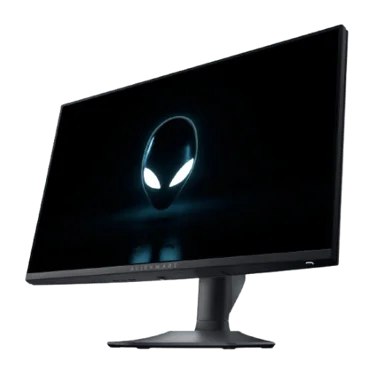
Alienware AW2523HF
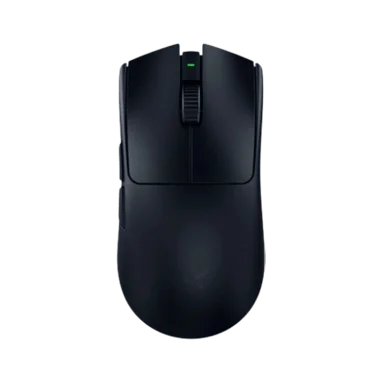
Razer Viper V3 Pro Black
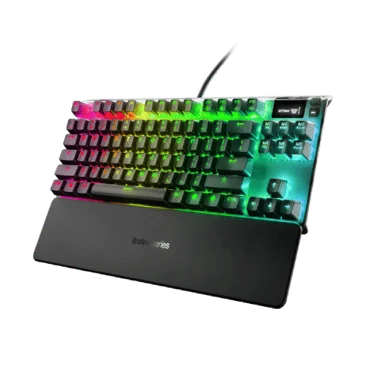
SteelSeries Apex Pro TKL
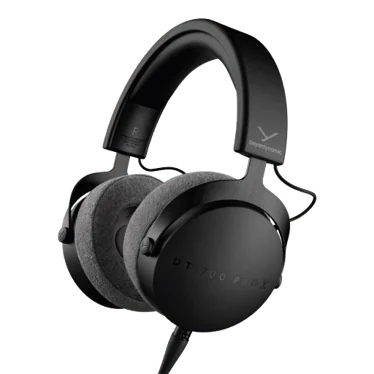
beyerdynamic DT 700 PRO X
Inked Gaming Custom Mousepad
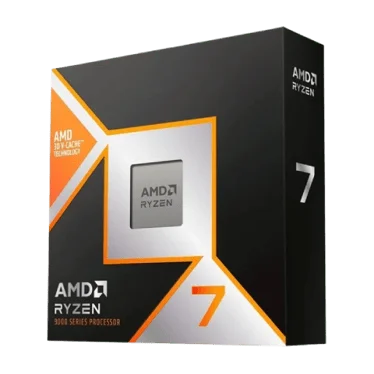
AMD Ryzen 7 9800X3D
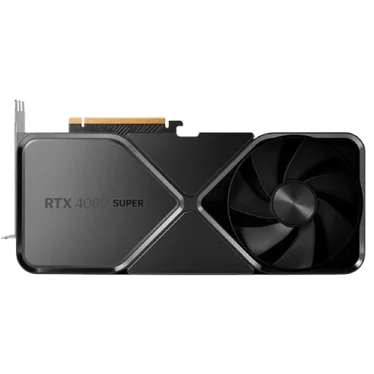
NVIDIA GeForce RTX 4080 Super
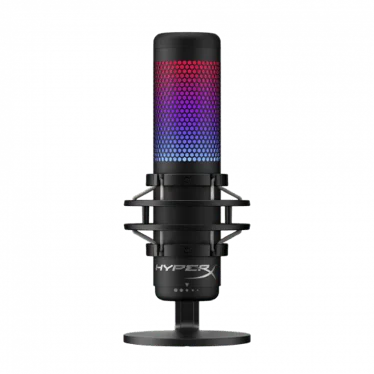
HyperX Quadcast S

Bucke
OliverOG
acorn
Video Settings
Basic Video
Advanced Video
Skins Loadout
Quick Facts & FAQ
What's notable about Khanada's gear stack?
Khanada's setup includes Monitor: Alienware AW2523HF; Mouse: Razer Viper V3 Pro Black; Keyboard: SteelSeries Apex Pro TKL. See the Gear Setup section below for the full list.
What monitor does Khanada use?
Khanada uses the Alienware AW2523HF monitor.
What mouse does Khanada use?
Khanada uses the Razer Viper V3 Pro Black mouse.
What keyboard does Khanada use?
Khanada uses the SteelSeries Apex Pro TKL keyboard.
What headset does Khanada use?
Khanada uses the beyerdynamic DT 700 PRO X headset.
What mousepad does Khanada use?
Khanada uses the Inked Gaming Custom Mousepad mousepad.
What processor does Khanada use?
Khanada uses the AMD Ryzen 7 9800X3D processor.
What graphics card does Khanada use?
Khanada uses the NVIDIA GeForce RTX 4080 Super graphics card.
What microphone does Khanada use?
Khanada uses the HyperX Quadcast S microphone.
What gear does Khanada use?
Khanada uses the Bucke gear.
What gear does Khanada use?
Khanada uses the OliverOG gear.
What gear does Khanada use?
Khanada uses the acorn gear.