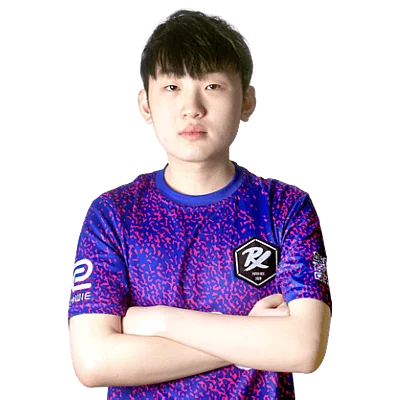
Jinggg
Jinggg currently plays for Paper Rex from Singapore. Born July 29, 2003. This profile aggregates Jinggg's mouse, crosshair, video settings, gear, and skin loadout so fans can copy a pro-ready config in one place.
Team
Paper Rex
Name
Wang Jing Jie
Birthday
July 29, 2003
Updated
27 Oct 2025
Mouse Settings
Hz
2000
D P I
1600
e D P I
312.00
Sensitivity
0.195
A D S Sensitivity
1
Raw Input Buffer
On
Scoped Sensitivity
1.1
Windows Sensitivity
4
Crosshair

Code not availableViewmodel
Gear & Setup
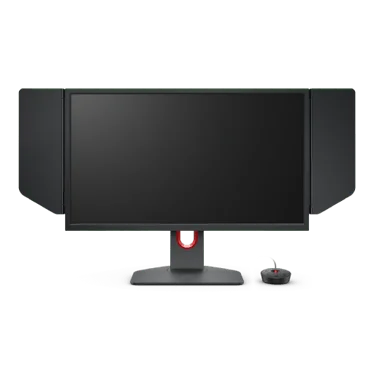
ZOWIE XL2566K
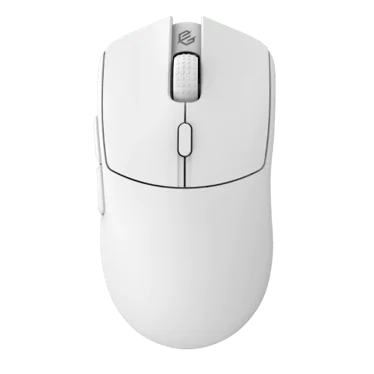
G-Wolves Hati S+ 4K
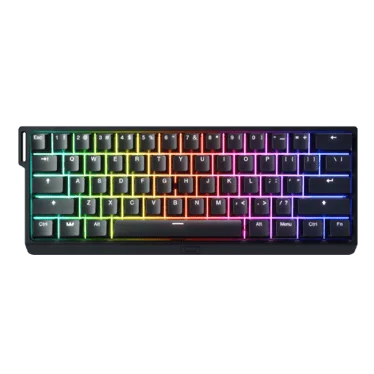
Wooting 60HE+
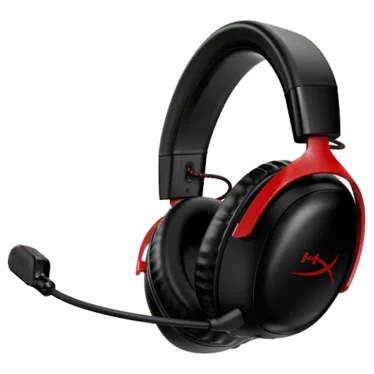
HyperX Cloud III Wireless

Artisan Hayate Otsu XSoft Black

Razer Moray Black
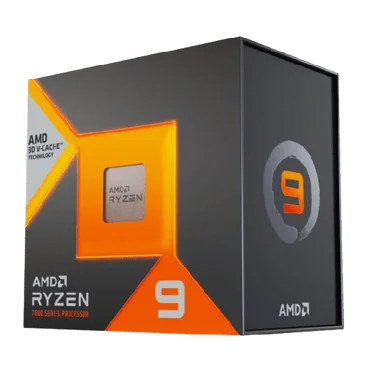
AMD Ryzen 9 7950X3D
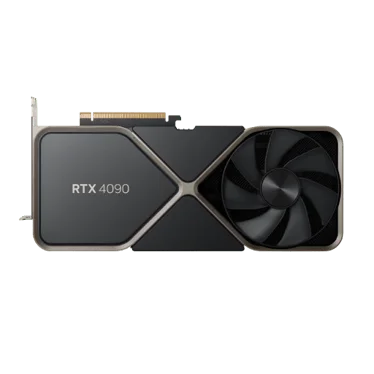
NVIDIA GeForce RTX 4090
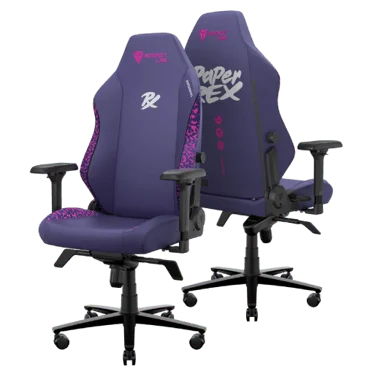
Secretlab Titan Evo Paper Rex Edition
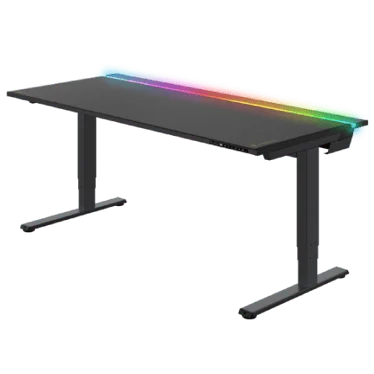
Secretlab Magnus Pro
Video Settings
Basic Video
Advanced Video
Skins Loadout
Quick Facts & FAQ
What's notable about Jinggg's gear stack?
Jinggg's setup includes Monitor: ZOWIE XL2566K; Mouse: G-Wolves Hati S+ 4K; Keyboard: Wooting 60HE+. See the Gear Setup section below for the full list.
What monitor does Jinggg use?
Jinggg uses the ZOWIE XL2566K monitor.
What mouse does Jinggg use?
Jinggg uses the G-Wolves Hati S+ 4K mouse.
What keyboard does Jinggg use?
Jinggg uses the Wooting 60HE+ keyboard.
What headset does Jinggg use?
Jinggg uses the HyperX Cloud III Wireless headset.
What mousepad does Jinggg use?
Jinggg uses the Artisan Hayate Otsu XSoft Black mousepad.
What earphones does Jinggg use?
Jinggg uses the Razer Moray Black earphones.
What processor does Jinggg use?
Jinggg uses the AMD Ryzen 9 7950X3D processor.
What graphics card does Jinggg use?
Jinggg uses the NVIDIA GeForce RTX 4090 graphics card.
What chair does Jinggg use?
Jinggg uses the Secretlab Titan Evo Paper Rex Edition chair.
What desk does Jinggg use?
Jinggg uses the Secretlab Magnus Pro desk.